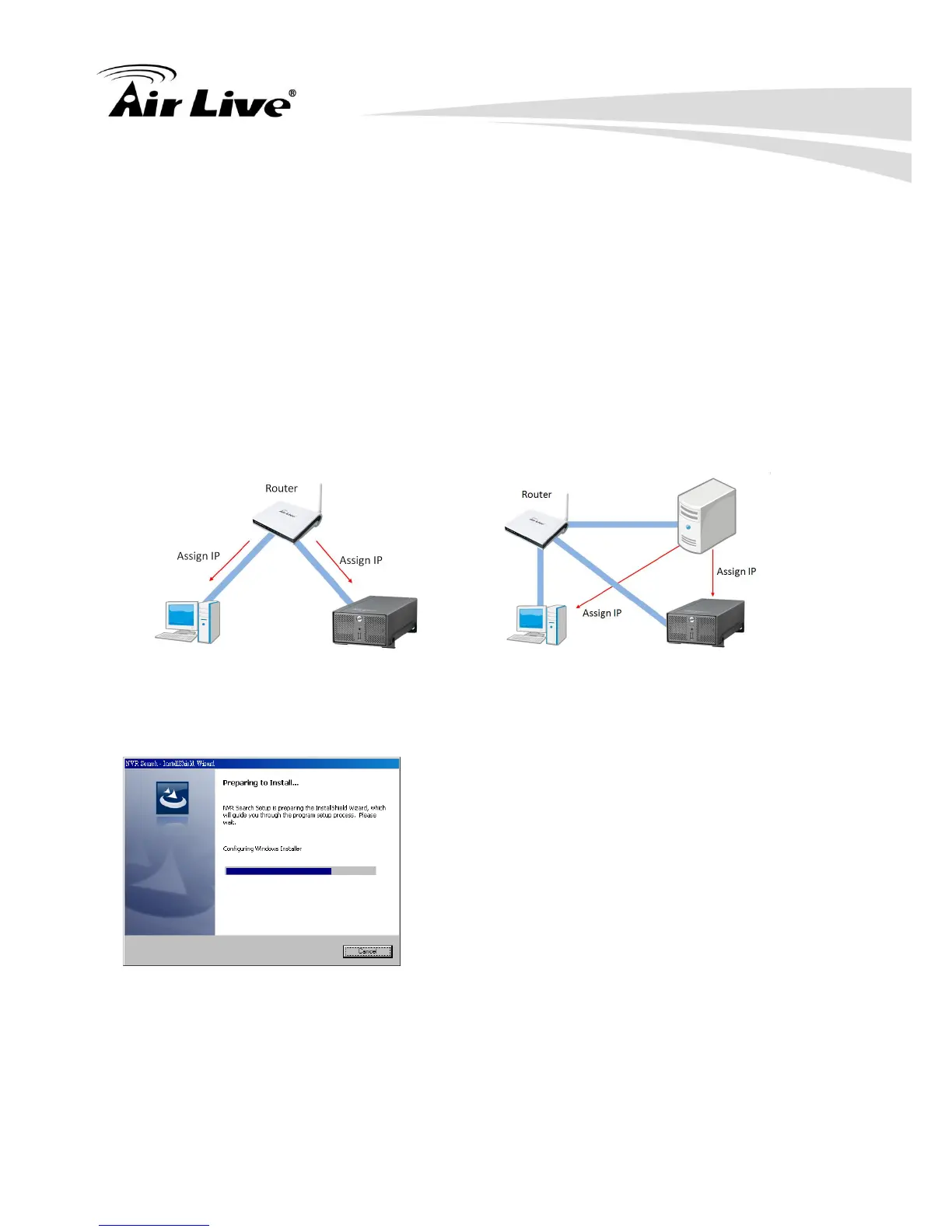
different network setup:
The NVR is placed in a network with a DHCP server: Connect to the NVR by using
“NVR Search” Utility
The NVR is placed in a network without DHCP server (or you are connecting to it
directly): Access NVR with its default IP: 192.168.1.1
2.3.2.1 Use NVR Search Utility
If the NVR is placed in a corporate network or a local area network where a DHCP server is
already presented, install the “NVR Search” utility on the CD from a computer that is on the
same network and locate the NVR with its IP address that is assigned by the top-level
DHCP server.
To begin, install the “NVR Search” utility from the CD and proceed with the installation:
Once the installation is complete, you might start the search tool by clicking
“Start””Program File””AirLive””NVR Search””NVR Search”.



 To Next Page