5.3 Event Configurations
The “Event Configurations” section allows users to define conditions that constitute an
event, its corresponding trigger action and when it will be triggered. Such setting can
reduce the management overhead and notify the administrator only when it’s necessary.
5.3.1 General Settings
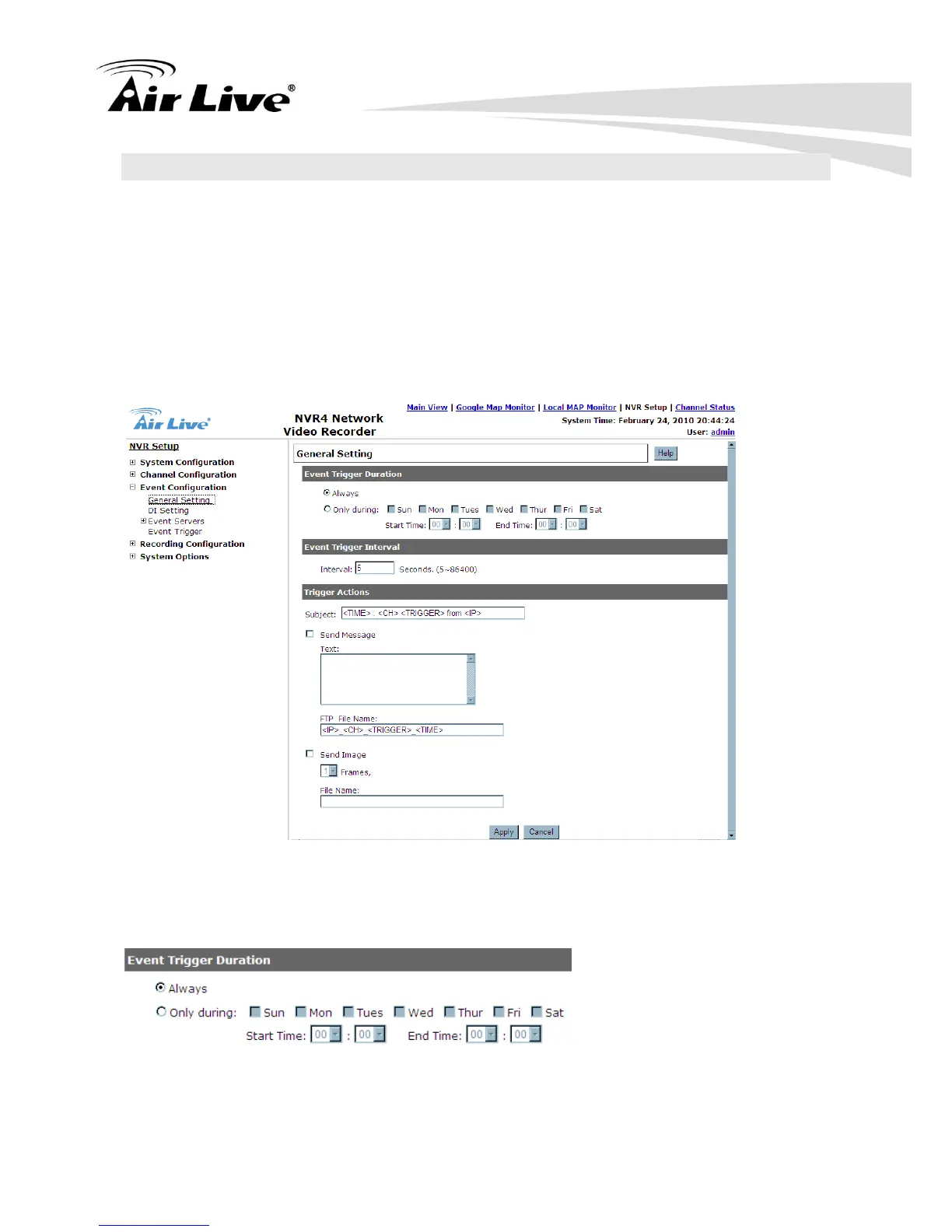
The general settings section can help you quickly configure event trigger duration, event
trigger interval and the corresponding actions when events are triggered.
Start the event configuration by defining the general settings:
5.3.1.1 Define when will the event alerts be received by the NVR
a. Choose “Always” or “Only during…” under “Event Trigger Duration”
b. For the “Only during…” option, choose the days by using the check-box and then



 To Next Page