Perform preset point viewing of a particular camera
Auto pan a particular camera
Perform preset point sequence viewing
3.5.1 Preset Point Viewing
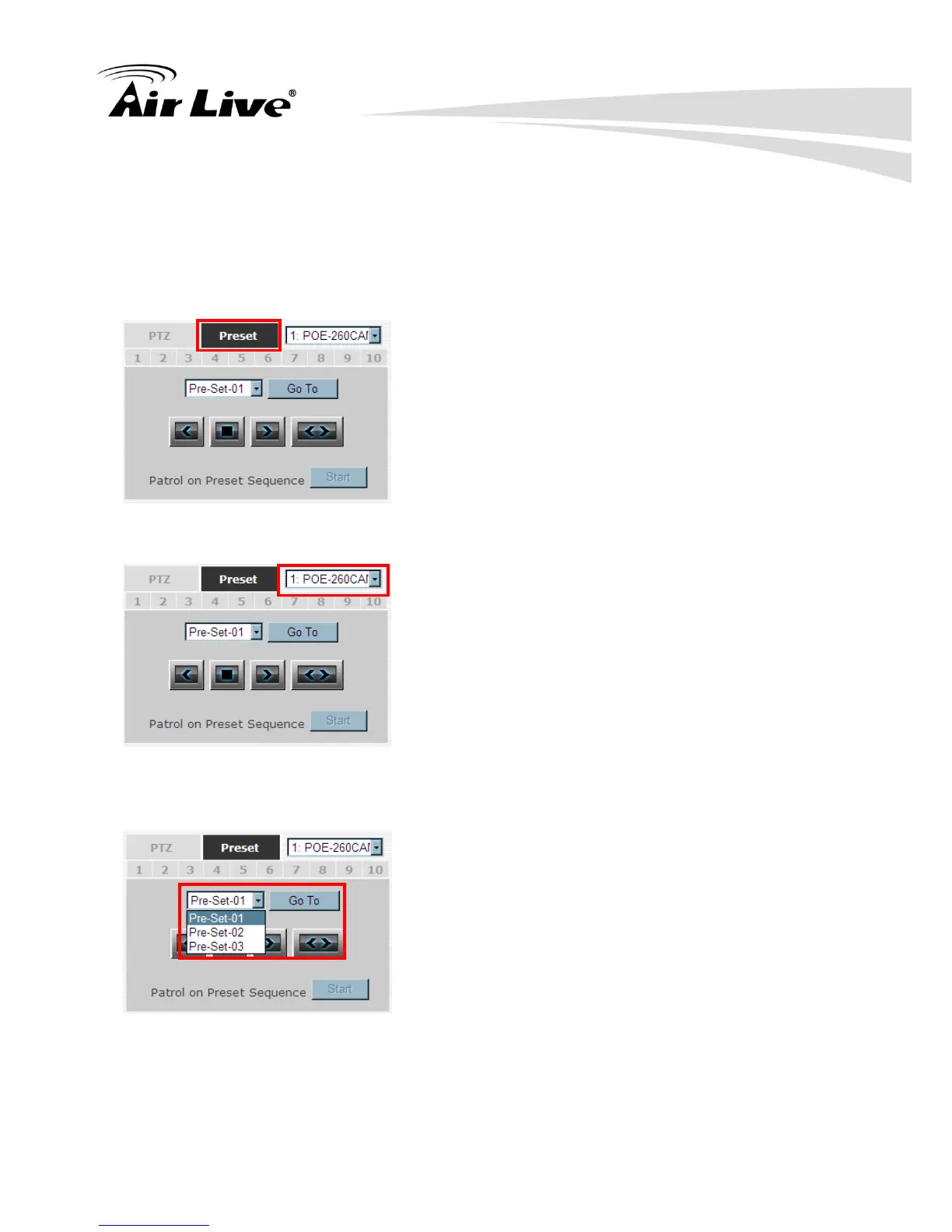
For starting the Preset function, please click on the “Preset” tab shown below:
Start by selecting a PTZ camera from the drop-down list:
Available PTZ preset points of the selected camera will be listed in the drop- down list
shown below:
Select a preset position from the drop-down list and click“. Go to” to move the live view to
that position.



 To Next Page