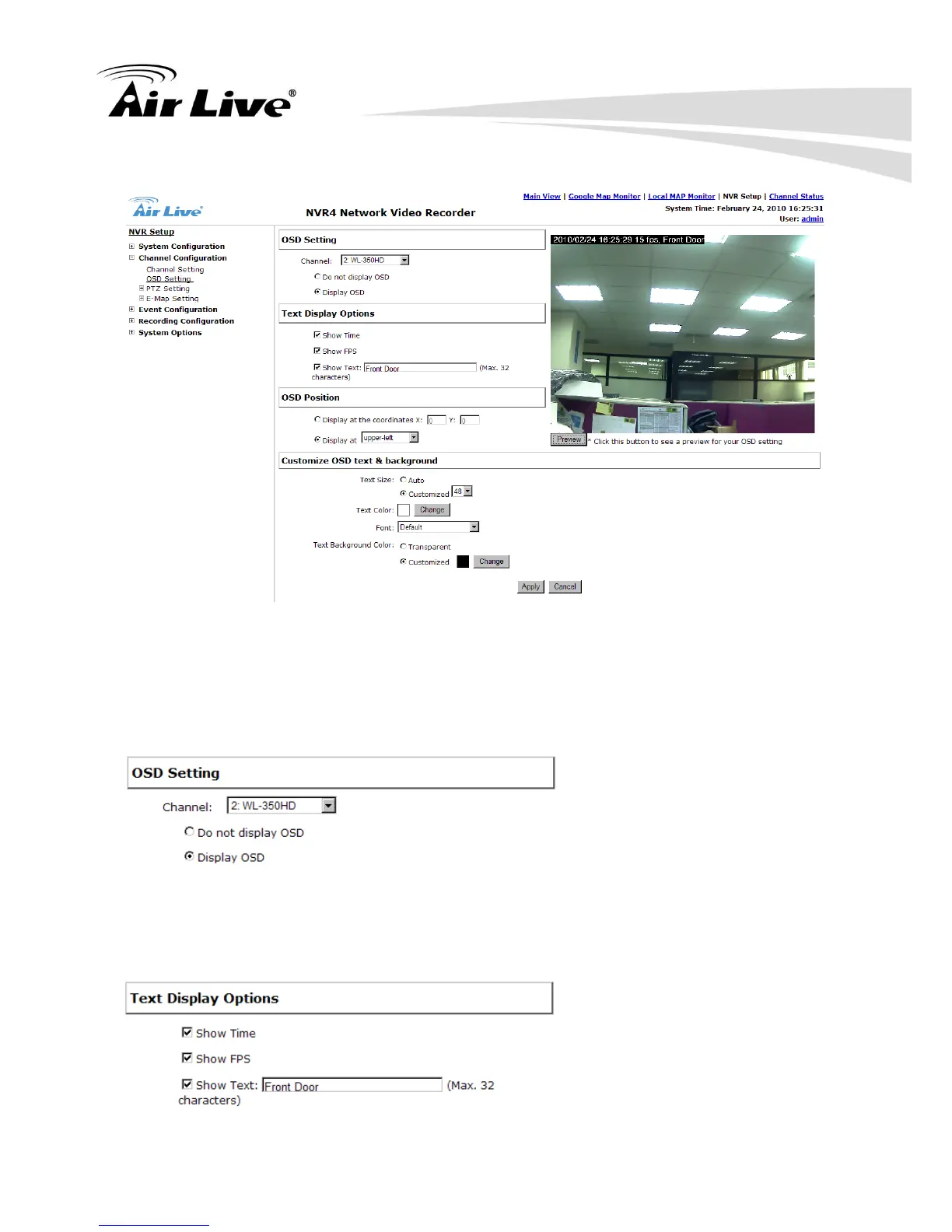
5.2.2 OSD Settings
The OSD (On Screen Display) allows users to add informational text message and embed
it onto the video. By default, this function is turned off. To add texts to one or more video,
please follow the steps below:
a. Select a camera you would like to add text to and choose “Display OSD”.
b. Choose one or more display options if you would also like the NVR to automatically
embed the system time or the frame rate for you. Or simply choose to display a custom
message of your own.



 To Next Page