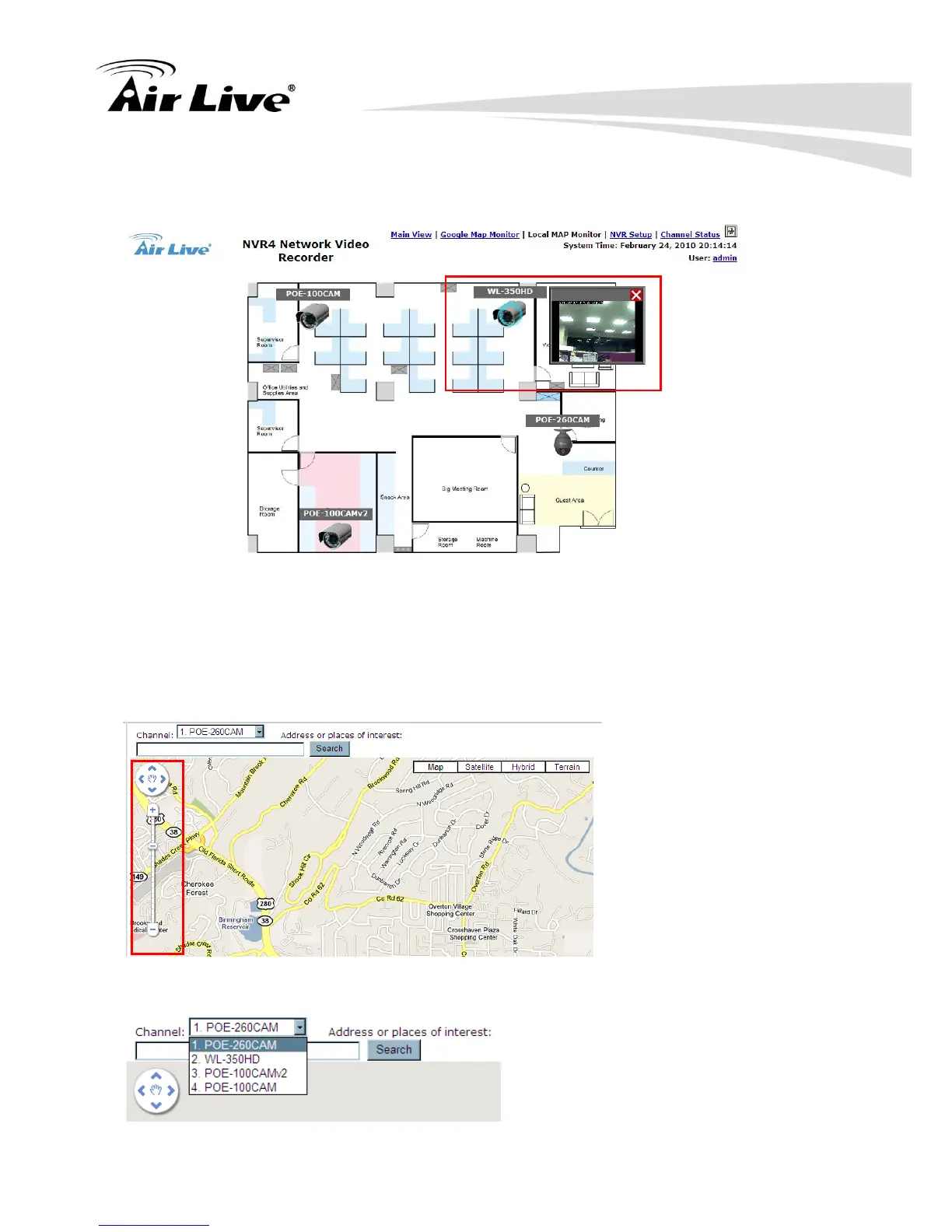
d. When the NVR receives an event triggered from any of the cameras, their videos will
be displayed on the E-Map and you can double-click on the video to enlarge it.
5.2.5.2 Use the Google Map
To use the Google Map, please follow the steps below:
a. Zoom the map to a proper size.
b. Select the camera you would like to configure from the channel drop-down list.



 To Next Page