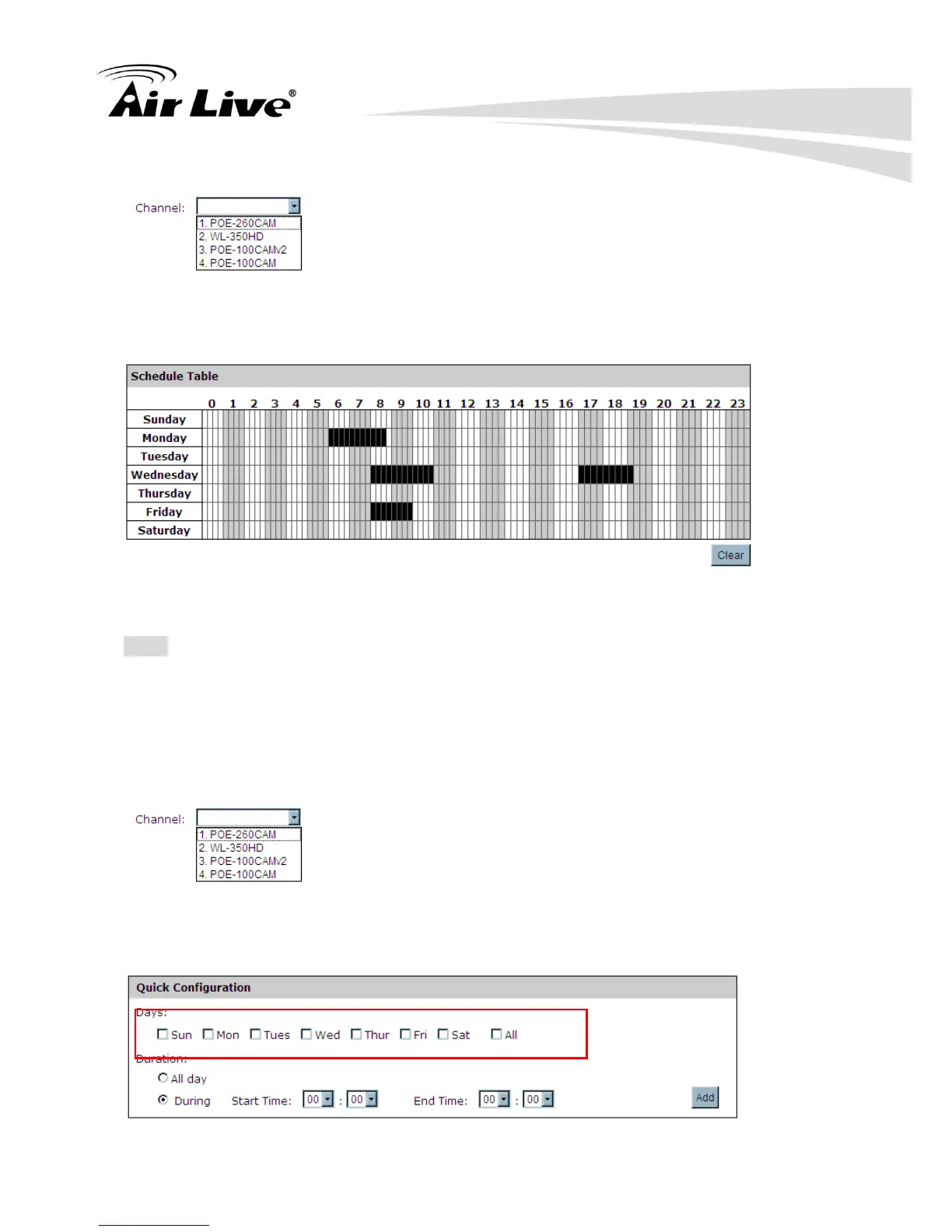
a. Use the “Channel” drop-down menu and select a camera first.
b. You can use the schedule table to set the time range. Click on the cell boxes to let you
set the time and duration that NVR will perform recording action.
c. After the schedule is set, please press the “Apply” button for save the configuration.
Note: Each cell box represents 15 minutes of time. Click one or more boxes to omit
consecutive recording. Press “Clear” button for correct the setting, if you want to reset the
schedule table.
5.4.2.2 Quick configuration
a. Use the “Channel” drop-down menu and select a camera first.
b. Select the day you would like to configure the schedule. Or select “All” for select all day
for configuring the schedule.



 To Next Page