EasyManua.ls Logo

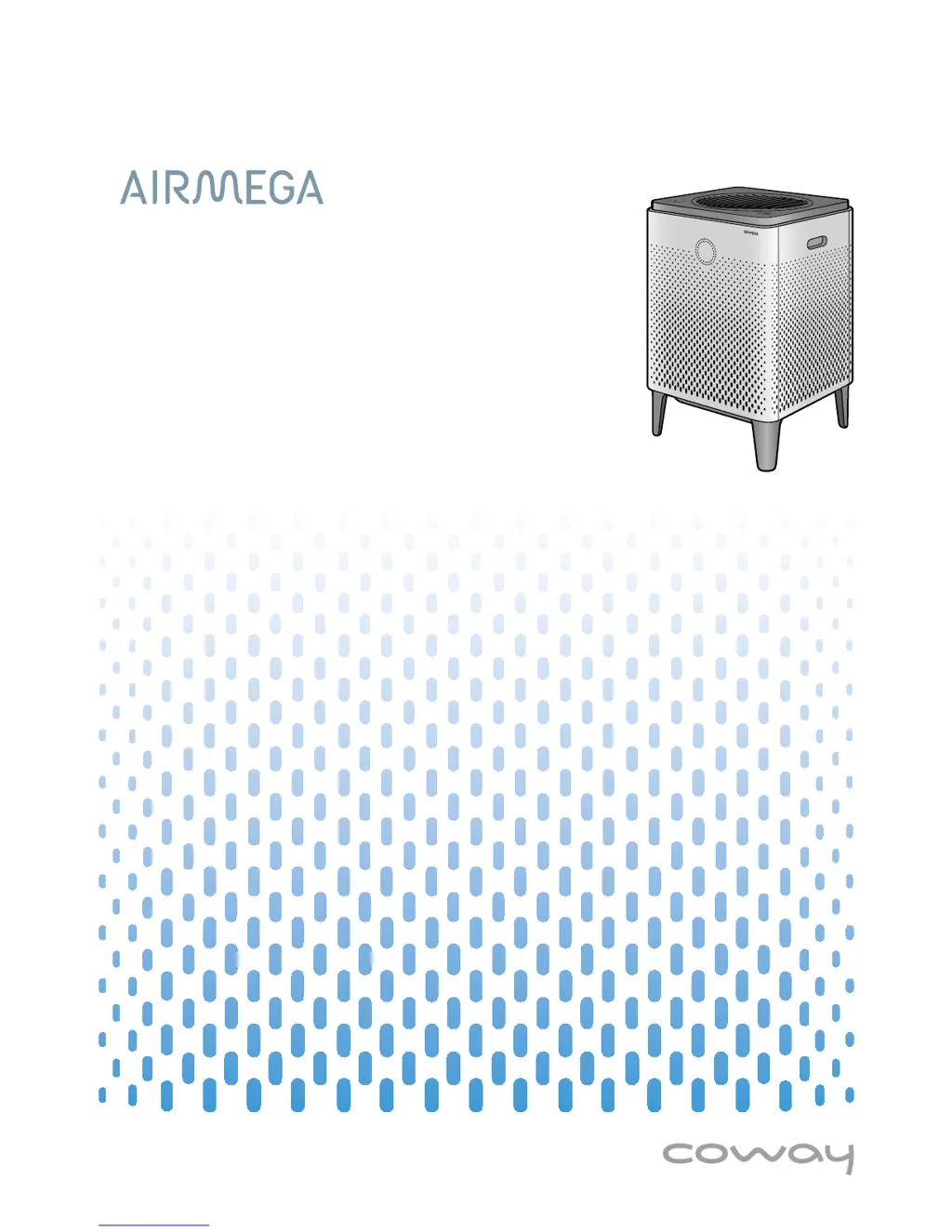
Airmega 300 - User Manual

Default Icon
36 pages
Print Icon
To Next Page IconTo Next Page
Loading...
󾖴
󾖴󽗉󾖴󾖽󾖽󾖽

Questions and Answers

Summary

Feature Highlights

Mobile Application

Control and monitor the air purifier remotely using a smartphone app.

Quick Start Guide

Wi-Fi Connectivity

Pairing the Air Purifier with Smart Phone

Instructions for connecting the air purifier to a smartphone via Wi-Fi.

Before Using the Product

Safety Instructions and Warnings

Crucial guidelines for safe operation, installation, and handling of the product.

Product Preparation

Installation

Setting Up the Product

Instructions for removing filter packaging and installing filters correctly.

Connecting Power and Startup

Steps to plug in the air purifier and turn it on for the first time.

Wi-Fi Network Connection

Guide to connecting the air purifier to a Wi-Fi network using the mobile app.

Product Operation

Smart Mode Operation

How the air purifier automatically adjusts settings based on air quality and environment.

Manual Mode and Timer

Instructions for manually selecting fan speed, mode, and setting the auto-off timer.

Maintenance and Cleaning

Appendix

Troubleshooting Guide

Solutions for common problems encountered during product use.

Airmega 300 Specifications

General IconGeneral
Coverage Area1, 256 sq. ft.
Noise Level22-52 dB
Pre-filterYes
Activated Carbon FilterYes
Air Quality SensorYes
Wi-Fi EnabledYes
Filter TypeActivated Carbon
Smart FeaturesSmart Mode

Related product manuals