EasyManua.ls Logo

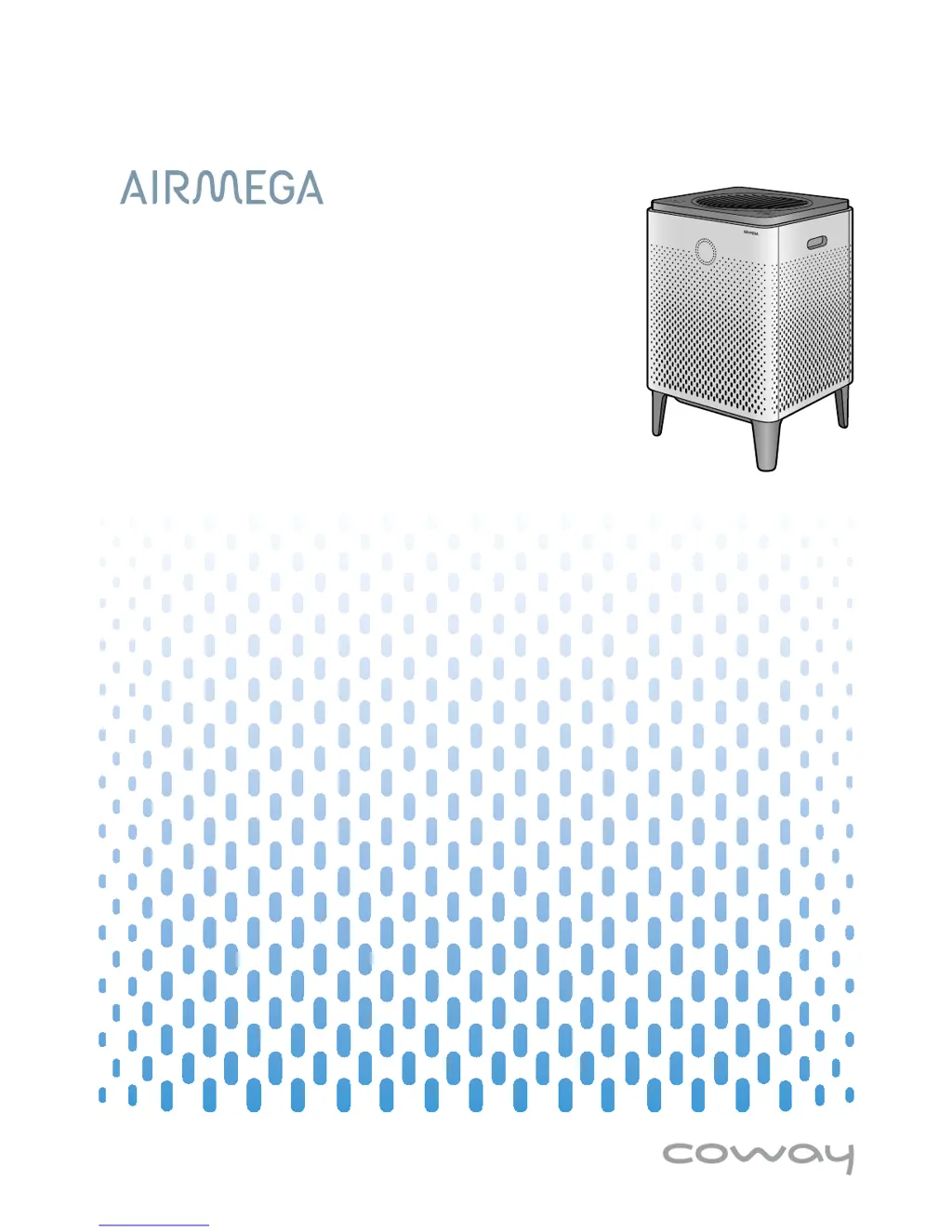
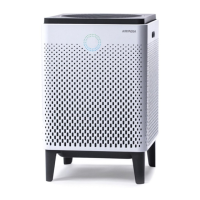
Airmega 400 - User Manual

Default Icon
36 pages
Print Icon
To Next Page IconTo Next Page
Loading...
󾖴
󾖴󽗉󾖴󾖽󾖽󾖽

Questions and Answers

  • C
    christopher87Jul 30, 2025
    What to do if no air comes out of my Airmega Air Cleaner?
    • B
      Brian CummingsJul 30, 2025
      If no air is coming out of your Airmega Air Cleaner, ensure the power plug is connected to a working 120 V~ 60 Hz AC power outlet. Also, make sure the unit is turned on by touching the [Power] button. If there was a power outage, wait for the power to be restored before attempting to use the product again.
  • D
    Daniel PerryAug 6, 2025
    Why does my Airmega Air Cleaner have a bad smell?
    • C
      christine84Aug 6, 2025
      If a bad smell is coming from the air outlet of your Airmega Air Cleaner, confirm the filter cleaning and replacement cycle. Clean or replace the filter if necessary.
  • M
    Melissa GutierrezAug 13, 2025
    Why is the air speed from my Airmega 400 so low?
    • T
      Tina StricklandAug 14, 2025
      If the air speed from your Airmega Air Cleaner's outlet is significantly low, check the filter cleaning and replacement cycle. Clean or replace the filter if needed.
  • L
    Lori RiveraAug 21, 2025
    What to do if the pollution level doesn't change on my Airmega Air Cleaner?
    • R
      rnguyenAug 21, 2025
      If the pollution level on your Airmega Air Cleaner isn't changing, the pollution sensor's lens might be dirty; clean the pollution sensor. You can also try adjusting the pollution sensor’s sensitivity.

Summary

Quick Start Guide

Initial Setup Steps

Guides through filter removal, installation, and initial power-on.

Connecting the Air Purifier to the Wi-Fi Network

Before Using the Product

Safety Instructions

Crucial safety warnings and precautions for using the product.

Control Panel Features (400 S;400)

Control Panel Features (300 S;300)

Product Installation

Setting Up the Product

Guides initial product setup, including filter installation.

Connecting the Power and Turning On the Air Purifier

Steps to connect the power cord and turn on the air purifier.

Product Operation

Air Quality Checking and Sensor Adjustment

Learn how to check air quality and adjust sensor sensitivity.

Product Maintenance

Filter Maintenance and Replacement

Recommended cycles for cleaning and replacing filters.

Pre-filter Cleaning Procedure

Step-by-step guide to cleaning and resetting the pre-filter indicator.

Max2 Filter Replacement Procedure

Detailed steps for replacing the Max2 filters and resetting the indicator.

Product Appendix

Troubleshooting Common Issues

Solutions for problems like no air, low speed, or bad smells.

Airmega 400 Specifications

General IconGeneral
Coverage Area1, 560 sq. ft.
Noise Level22-52 dB
Weight24.7 lbs
Number of Filters2
Filter TypeActivated Carbon Filter, True HEPA filter
CADR (Pollen)400
Power Consumption66 W
CADR (Smoke)400 cfm

Related product manuals