Revision 12.2
Jan. 2016
24 / 61
3.4.10 SIT – Side tone
Pressing the AUD button eight times enables the turning knob to set the
side tone volume. (for gliders should be set to 01)
SITnn Range: 0 – 9
3.4.11 MIC – Setup
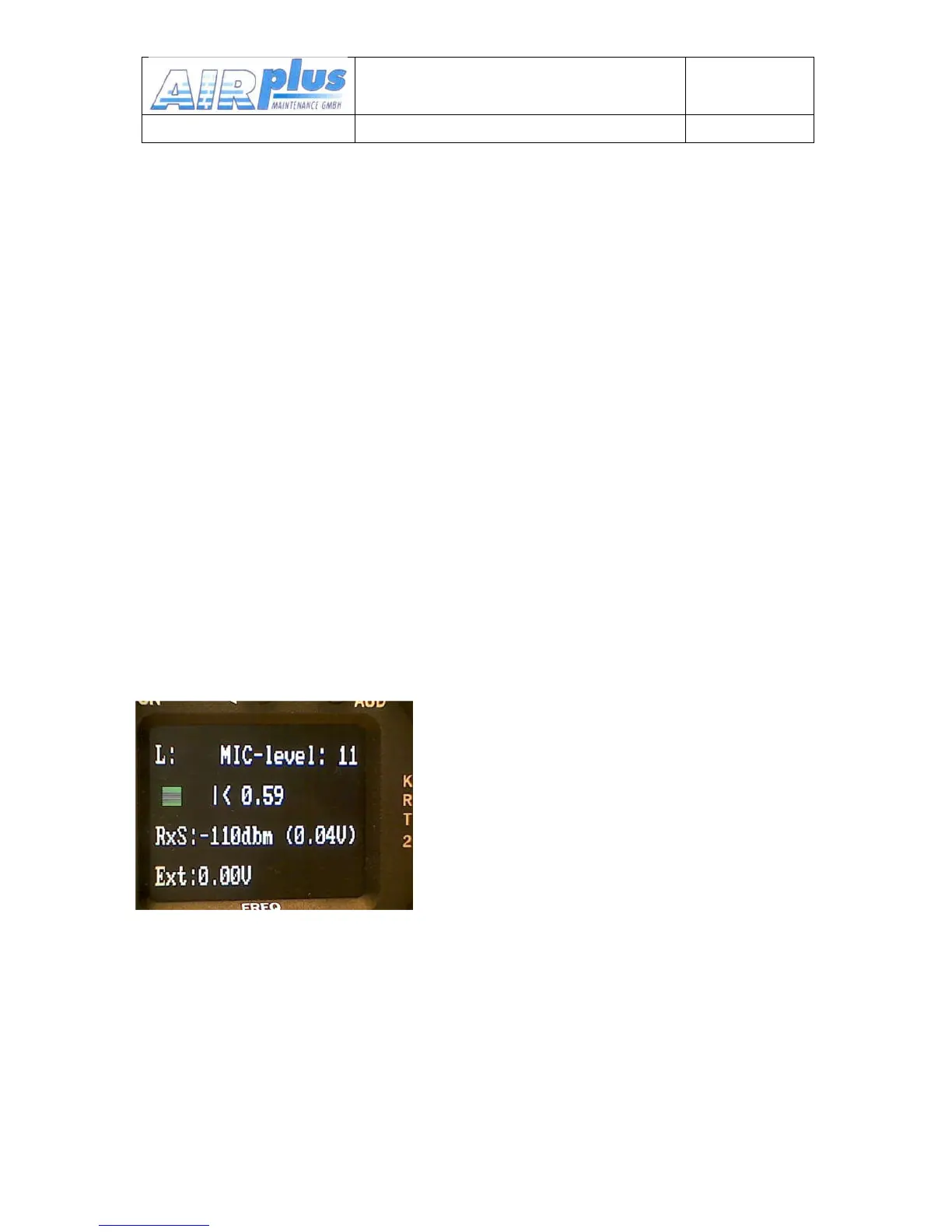
This mode is for microphone setup and test only without using the PTT.
It is not for normal operation.
Each of the two microphone input channels can be configured individually,
which enables different microphone types to be used.
A maximum of two microphones of same type may be connected to each
microphone input channel (see chapter 5.7.1 Microphone-Connection).
The MIC – Setup is the last item of the Audio menu and can be accessed
by pressing the AUD button nine times.
By pressing the DUAL button repeatedly L, R and AUTO can be selected.
L (R) means left (right) microphone input channel. The AUTO function is
explained later.
By means of the turning knob the displayed microphone input channel
amplifier gain (MIC-level-01-=-low-gain,-09-=high-gain) can be selected


 To Next Page