Revision 12.2
Jan. 2016
33 / 61
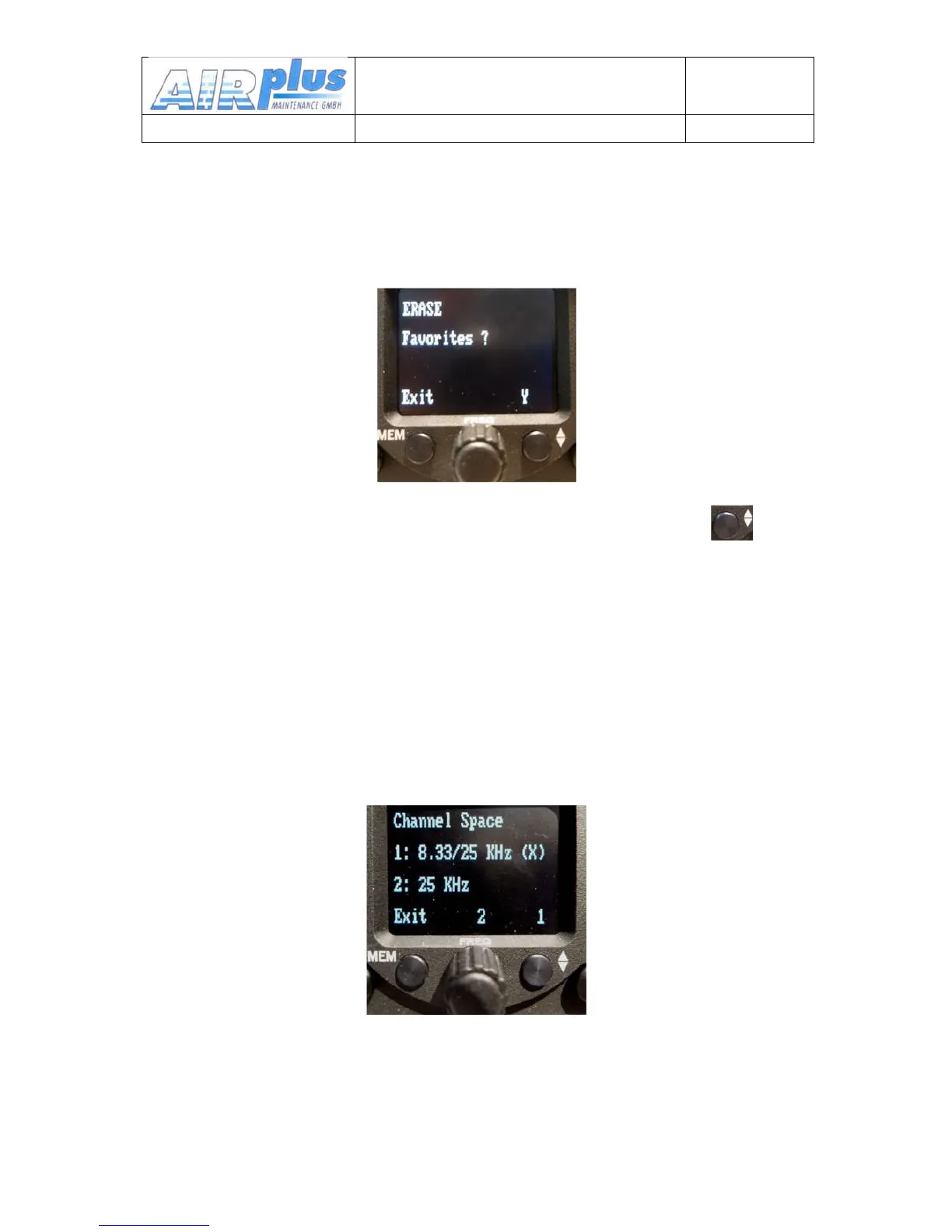
3.8.1 ERASE – Erasing the Favorites List
When in the SET UP – Menu select the “ERASE“ sub-menu with the
buttons next to the symbols (Exit, Y) .
Erasing the favorites (frequency and identifier) starts after the button
has been pressed again. This procedure may last a few minutes during
which time “ERASING“ is displayed.
All INFO frequencies and identifiers that were stored on delivery are lost
and all favourite index positions (01 to 99) are available to the user.
3.8.2 Channel Spacing
When in the SET UP – Menu pressing the FREQ (S) button will change
the KRT2 into the Channel Space submenu.
The desired channel spacing then can be selected and the (X) then
indicates the actual channel spacing.



 To Next Page