5-14
Interior
2021 Classic
TV and Blu-Ray Player
The Classic trailer comes equipped with LG LED
HDTV’s and a Blu-Ray player�
The 33FB Classic model is equipped with a projector,
powered projection screen, and a sound bar� The entire
system can be controlled from the included Logitech®
Harmony remote control�
Please refer to the documentation included in your
owner’s packet for instructions on their use�
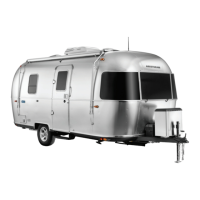
TV Antenna
The installed omnidirectional antenna provides
excellent reception of VHF/UHF TV channels� The TV
antennas compact modern styling is unobtrusive and
blends well with the designs of recreational vehicles�
The amplied signal maximizes signal strength to
provide the best TV reception available in your area�
The antenna receives free VHF, UHF and FM signals�
Manufactured with durable automotive-grade plastic,
the antenna is weatherproof, UV-protected and
resistant to rust�
Cleaning Antenna Housing
The antenna is constructed with an automotive-grade
plastic� Clean only with mild soap and water� Use no
solvents, alcohol, or cleaning uids. Do not power wash
any part of the base mount of head of the antenna�
WARNING
The GFCI circuit breaker provides protection only
to the circuit to which it is connected. It does NOT
provide protection to any other circuit.
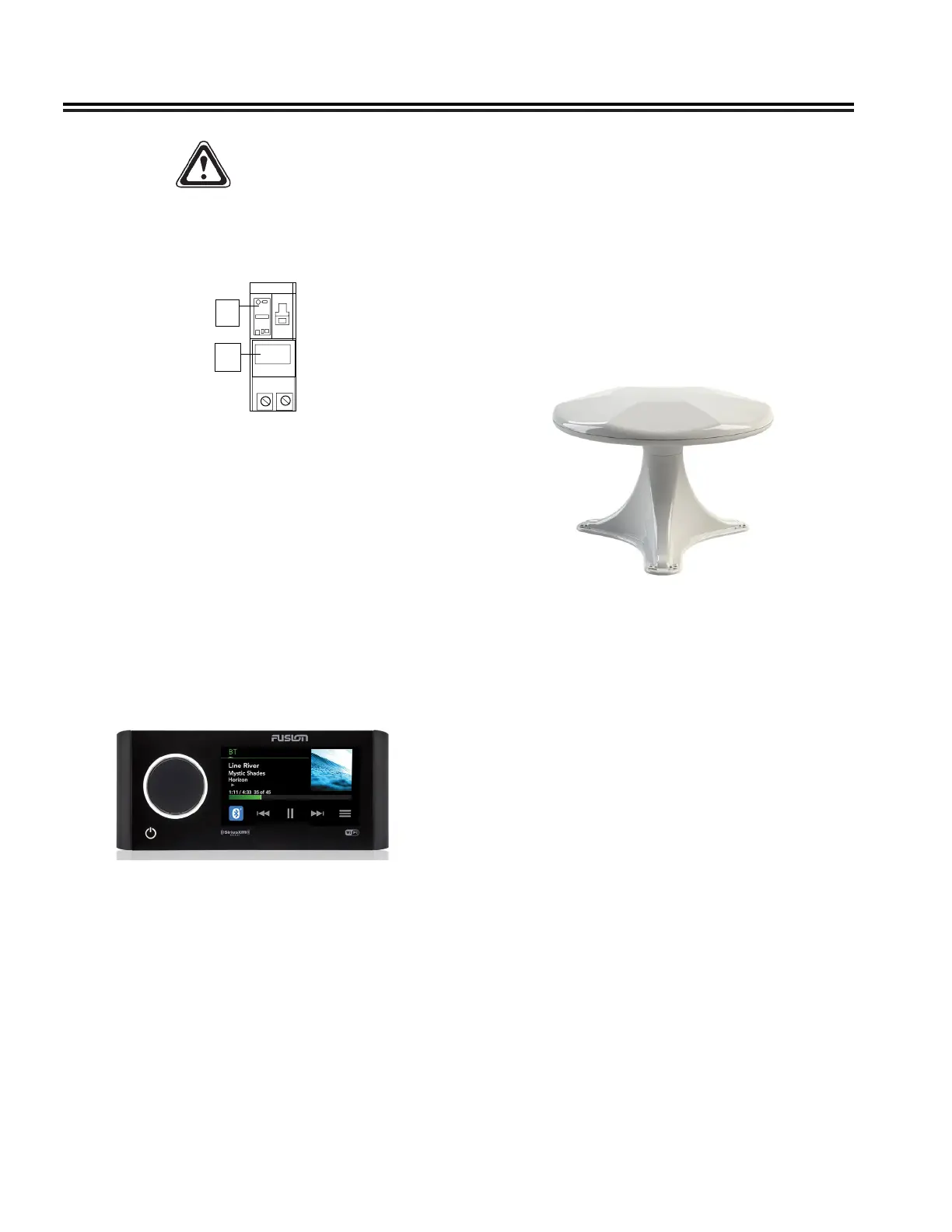
GFCI Breaker Test
A
B
Push To
Test
1� With handle A in “ON” position, press PUSH TO
TEST button B�
2� Handle A should move to TRIP position, indicating
that GFCI breaker has opened the circuit�
3� To restore power move handle A to “OFF” and then
to “ON“�
NOTE
All GFCI breakers implement an auto self-test
function, however, Airstream recommends a
manual test be conducted every month.
Entertainment Systems
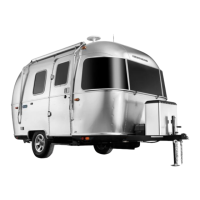
Fusion® Apollo™
The Classic comes equipped with a Fusion® Apollo™
Stereo which has an LCD color touchscreen display
so you can simply tap the screen to pause and play,
or swipe through your playlist to your favorite song�
The Apollo features several source options such as
Bluetooth, advanced SiriusXM features, FM radio, AUX
and USB connections�
You can use the Fusion-Link Remote Control App to
adjust the Stereo Volume, change the source, and
other functions of the stereo� See Fusion Quick Start
Manual for complete operating information�








 To Next Page