12
Android – Select Settings>Bluetooth and turn it on if it is off.
Make sure your device is set to discoverable. Then tap the SCAN
button. When the PEDpro appears, tap to pair. (If you are asked to
verify the passcode, click on OK).
PC – Select Control Panel>My Bluetooth Devices. Select “Add a
device”. Click next and complete pairing.
Mac – Select Apple>System Preferences>Bluetooth and turn on
Bluetooth.
POWER CONSUMPTION
The PEDpro uses an idle timeout function to conserve power. After
two hours of inactivity when powered on and connected, the
PEDpro will power down automatically. The timer is reset when
any button is pressed. You can change this time out period or turn
it off completely using the AirTurn Manager software.
The PEDpro averages a usage of 2μA when turned off and averages
a usage of 5μA when turned on.
VIRTUAL KEYBOARD IN iOS
To turn on the virtual keyboard in iOS, put the cursor
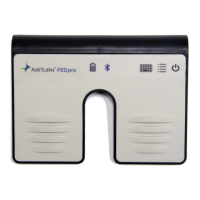
into a text box and press the Keyboard Button on the
PEDpro. Both LEDs will flash once to signify that the button has
been pressed. The button will only work in Modes 2-6. Virtual
keyboard support for MODE 1 is automatic. There is no virtual


 To Next Page