13
keyboard option for Android except when using MODE 1.
RECHARGING THE BATTERY
To charge the battery, insert the charging cable into the
micro-USB port and plug the other end into any USB
source. You can also use any micro-USB charging power
supply. Charging from a laptop a computer with a sleep
setting is not recommended. A charge will last for about 150 hours.
LED INDICATIONS
3 red flashes when attempting to power on
Battery is too low to operate
Red flash every 3 seconds
Blue flashing rapidly (twice a second)
Blue flashing very rapidly (5 times a second)
Blue flash every 3 seconds
AIRTURN MANAGER
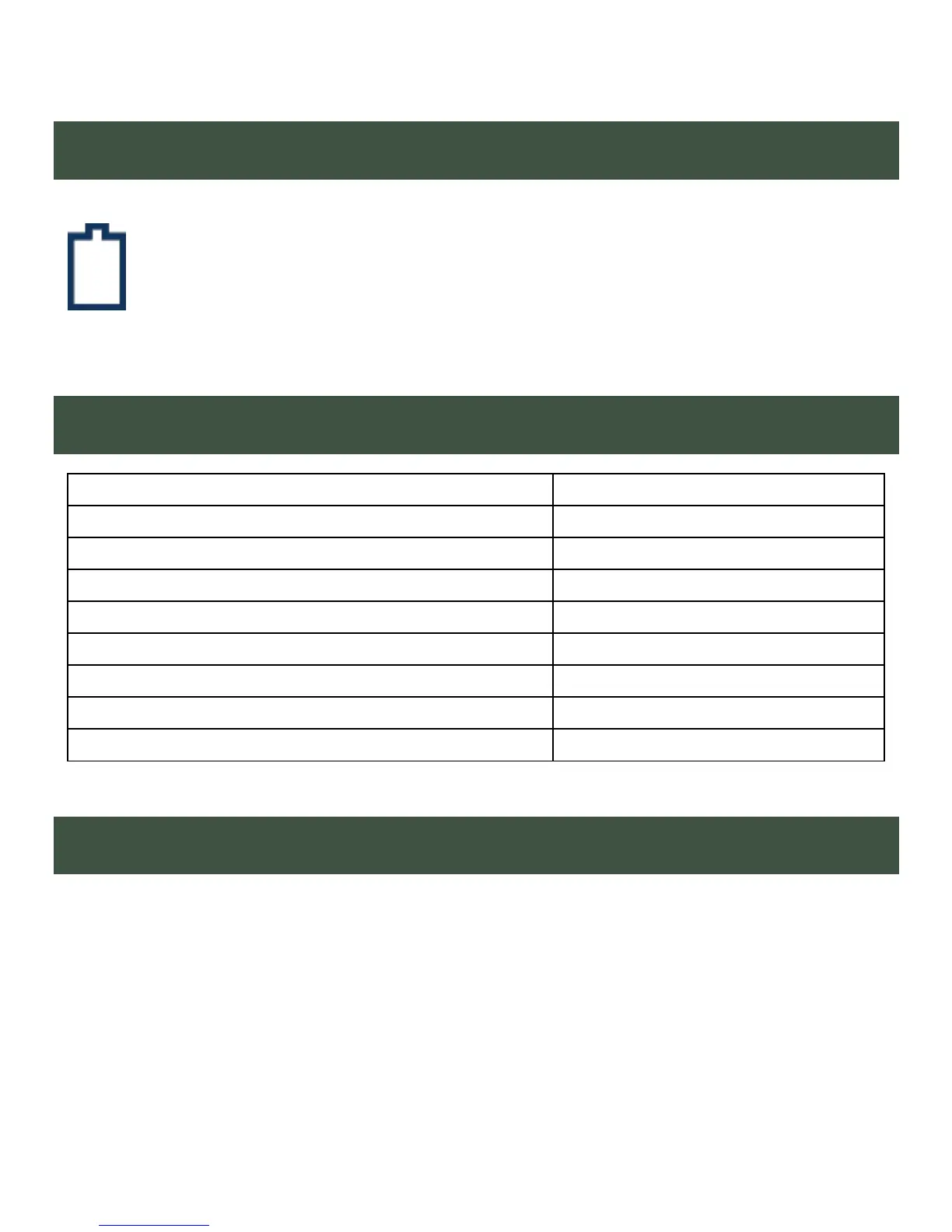
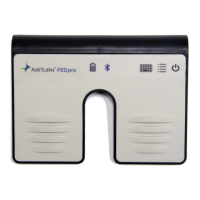
To change the configuration of your PEDpro and update its
firmware to the latest available, download the AirTurn Manager
App from the Apple App Store or Google Play Store. It is available
for iPad, iPhone, most Android devices and Mac computers.


 To Next Page