4
SCHEDULES
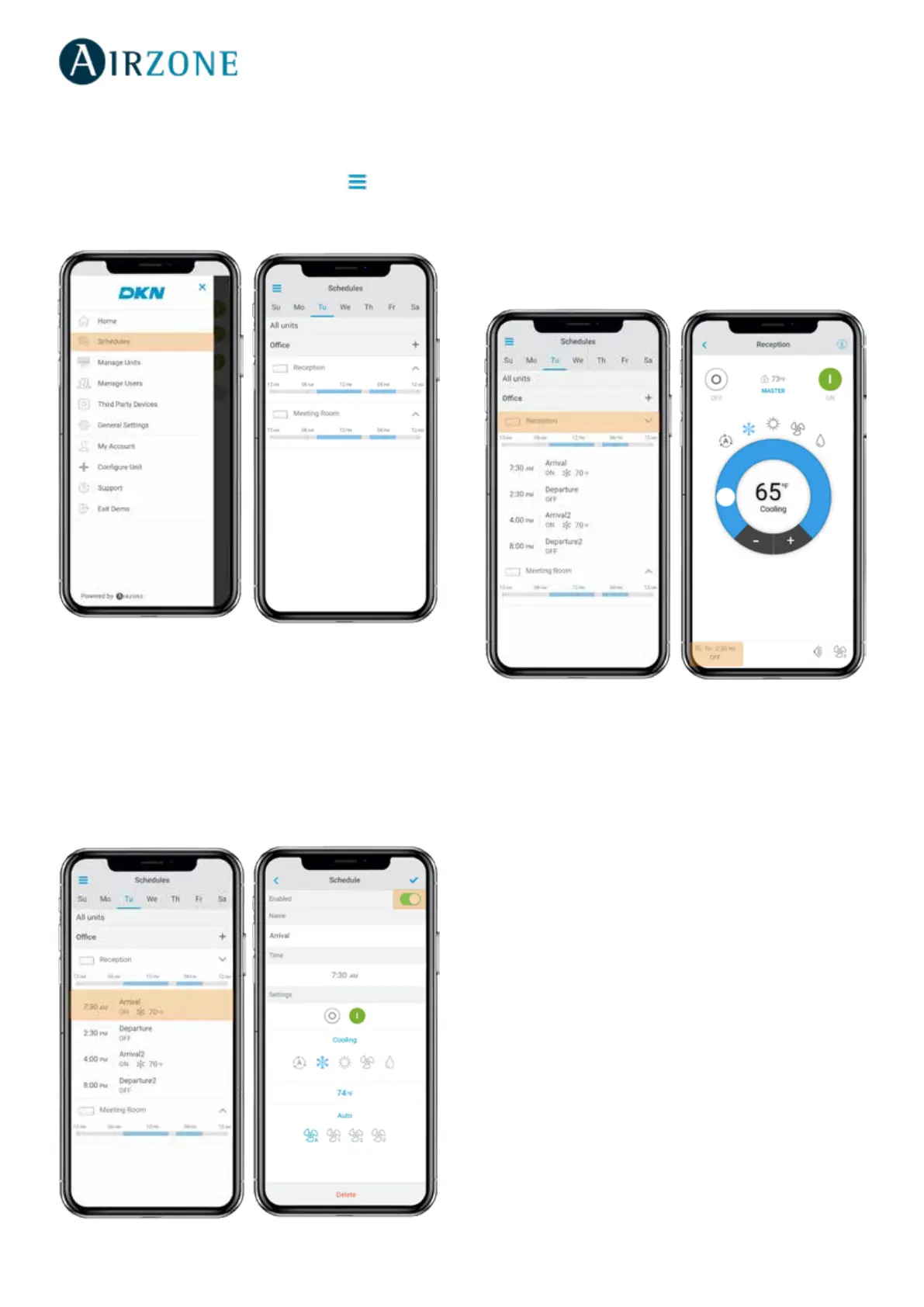
Seeing a schedule
Tap the day of the week to see the schedule associated to
that day.
Select a unit to see all the schedules associated to it.
Schedules can also be seen at the Unit control menu.
Activating/deactivating a schedule
Tap the day of the week to see the schedule associated to
that day.
Select a unit to see all the schedules associated to it.
Select a schedule and activate/deactivate it by tapping the
switch within the schedule.
From the Home screen tap on the Menu icon and go to
Schedules.



 To Next Page