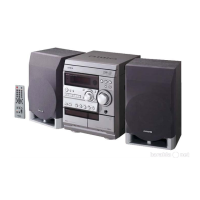
CONNECTIONS
Setting up the unit
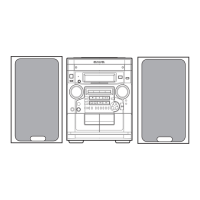
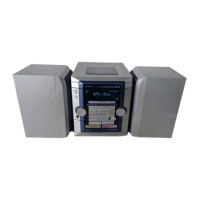
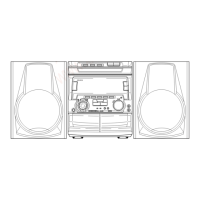
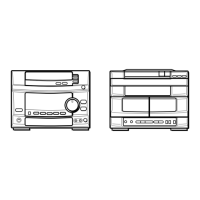
Two ways of setting up the main units are recommended.
q Vertical placement
w Horizontal placement
RX-NH90
FD-NH90
FD-NH90 RX-NH90
Before connecting the AC cord
The rated voltage of your unit shown on the rear panel is 120 V
AC. Check that the rated voltage matches your local voltage.
IMPORTANT
• Connect the speakers, antennas, and all optional equipment
first. Then connect the AC cord at the end.
• The speaker marked R is the right speaker, and the marked L
is the left speaker.
1
Connect the flat cable of the RX-NH90 to the
FD-NH90.
Push the connector in until it clicks.
2
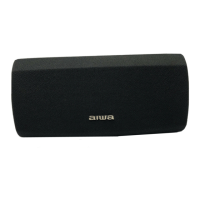
Connect the right speaker to the main unit.
Connect the surround speaker cord to the SURROUND
SPEAKERS R terminal.
3
ENGLISH


 To Next Page
 Loading...