2
1
3
4
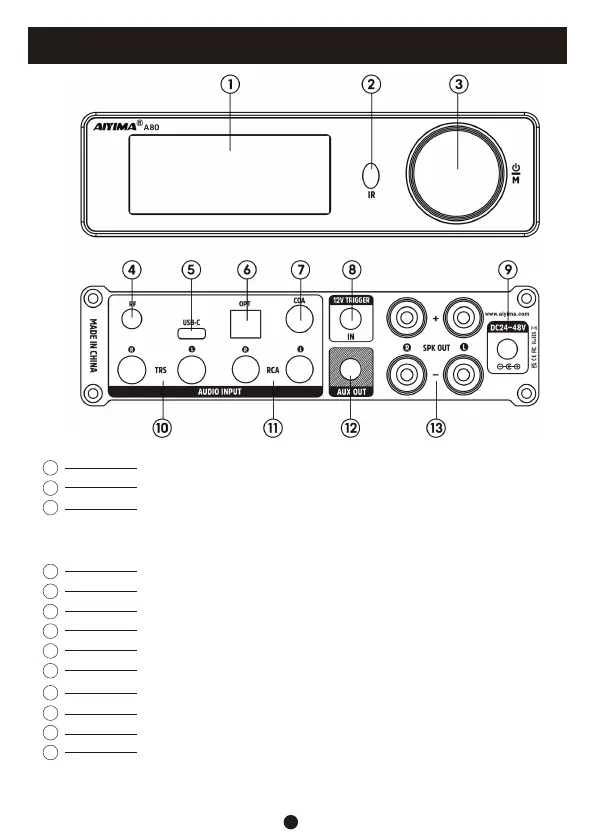
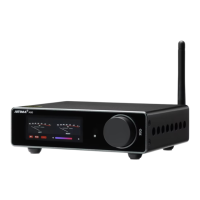
Display screen
Infrared receiving window
Bluetooth antenna socket
Encoder knob (short press to turn on/confirm/enter menu; long press
to turn off; double-click to mute/unmute, enter menu, double-click to
return to main interface; rotate left and right to adjust volume, enter menu,
rotate left and right to switch selection objects)
6
5
7
8
USB Type-C input interface
Optical input interface
12V Trigger input interface
9
Power supply interface (DC24-48V)
Coaxial input interface
11
12
13
10
6.35 TRS input interface
RCA input interface (white / left channel, red / right channel)
AUX output interface
Speaker interface (red / positive, black / negative; R to right
speaker, L to left speaker)
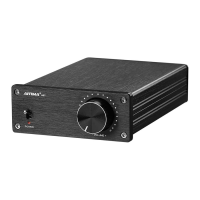
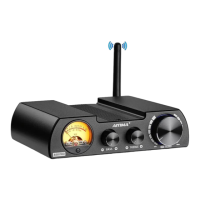
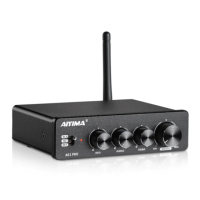
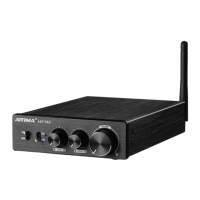
Front and Rear Panel Description
1


 To Next Page