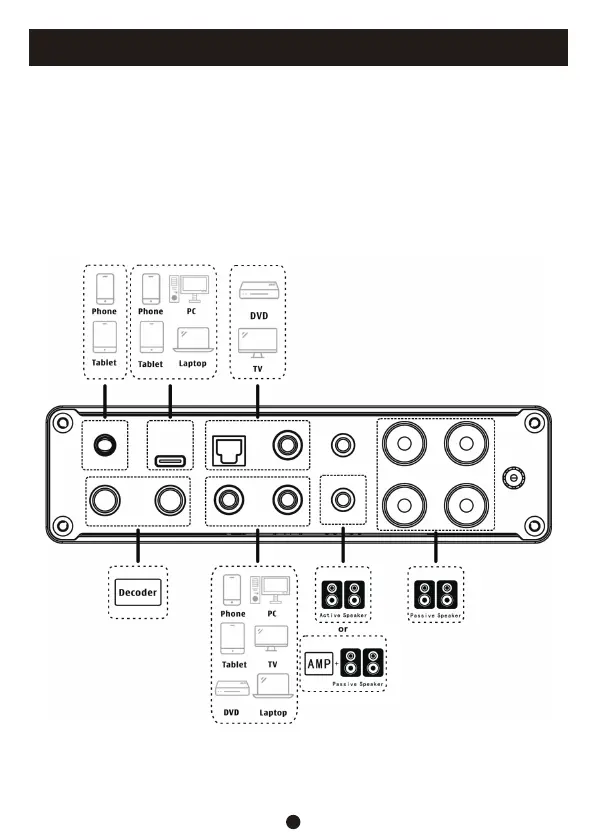
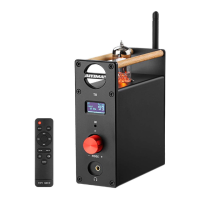
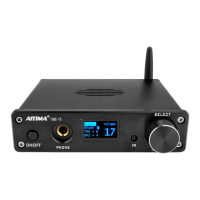
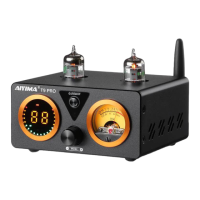
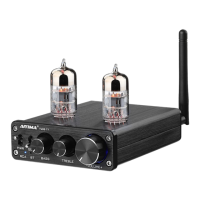
1. Connect the required audio source device to the corresponding input interface.
2. Connect the passive speaker to the corresponding speaker interface.
3. Connect the power supply (DC24V-48V), turn on the device, and switch to the corresponding
input mode.
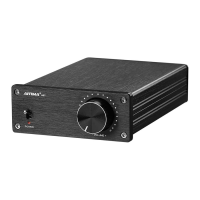
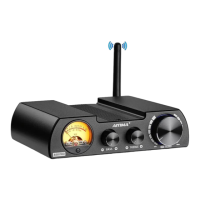
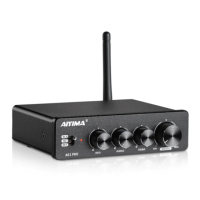
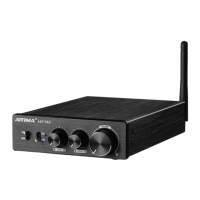
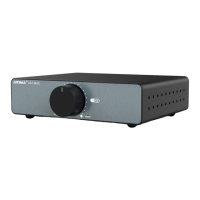
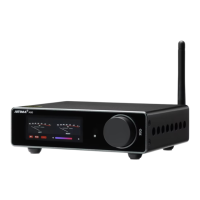
4. Rotate the encoder knob left and right to the appropriate volume level.
5. As needed, you can click on the encoder knob to enter the menu, select tone settings, and
then choose high/low frequency. Rotate the encoder knob left and right to adjust the high/
low frequency gain to the desired size.
6. This device comes with multiple playback styles. You can short press the encoder knob to enter
the menu, select style settings, and choose the desired style according to your preferences
Operation Steps
4


 To Next Page