2
1
3
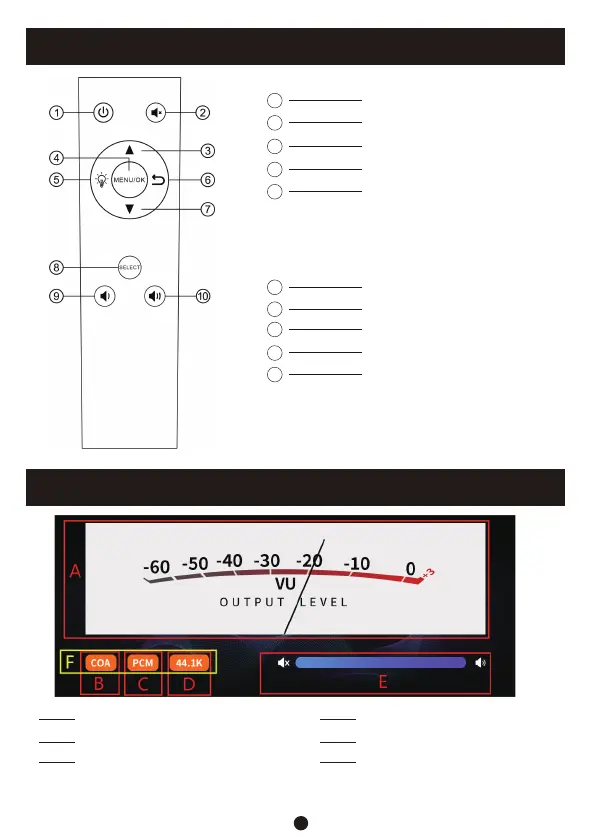
ON/OFF
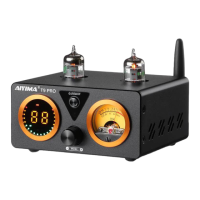
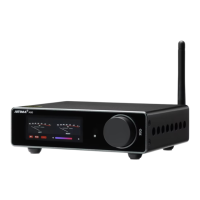
VU-meter displayA
Audio format display C
Volume display E
Input mode displayB
Sample rate display D
Color automatically adjusts with the
size of the music signal
(White: low gain; Blue: medium gain; Orange: high gain)
F
Mute
Up
5
4
6
Menu/OK
Screen brightness adjustment
(When switching to black screen
mode, other operations can wake
up the screen. If there is no
operation for 10 seconds, the screen
will automatically turn off)
Return
8
7
9
Down
Switch input mode
Volume-
10
Volume+
Remote Control Function Description
Description of Screen Display
2


 To Next Page