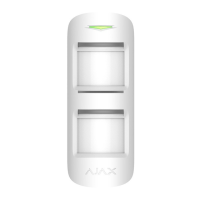
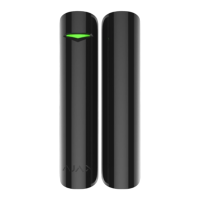
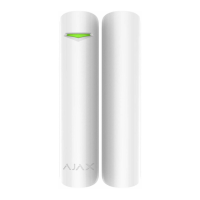
Connecting the Detector to the Ajax
Security System
Connecting the Detector to the hub
Before starting connection:
1. Following the hub manual recommendations, install the Ajax application.
Create an account, add the hub to the application, and create at least one
room.
2. Switch on the hub and check the internet connection (via Ethernet and/or
GSM network).
3. Make sure that the hub is disarmed and does not update by checking its
status in the app.
Only users with administrator rights can add the device to the hub
How to connect the detector to the hub:
1. Select the Add Device option in the Ajax application.
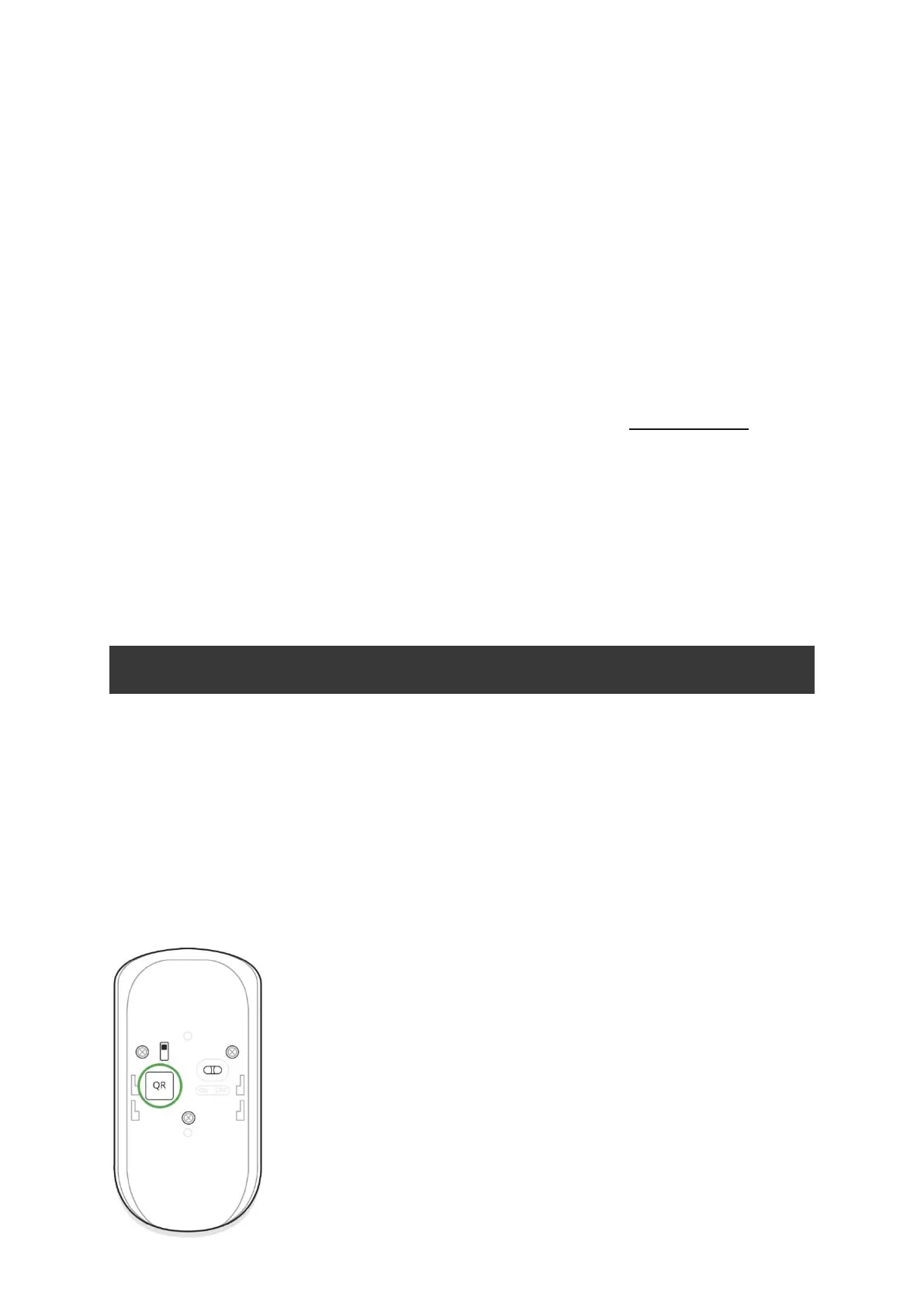
2. Name the device, scan/write manually the QR Code (located on the body
and packaging), and select the location room.


 To Next Page