3. Select Add — the countdown will begin.
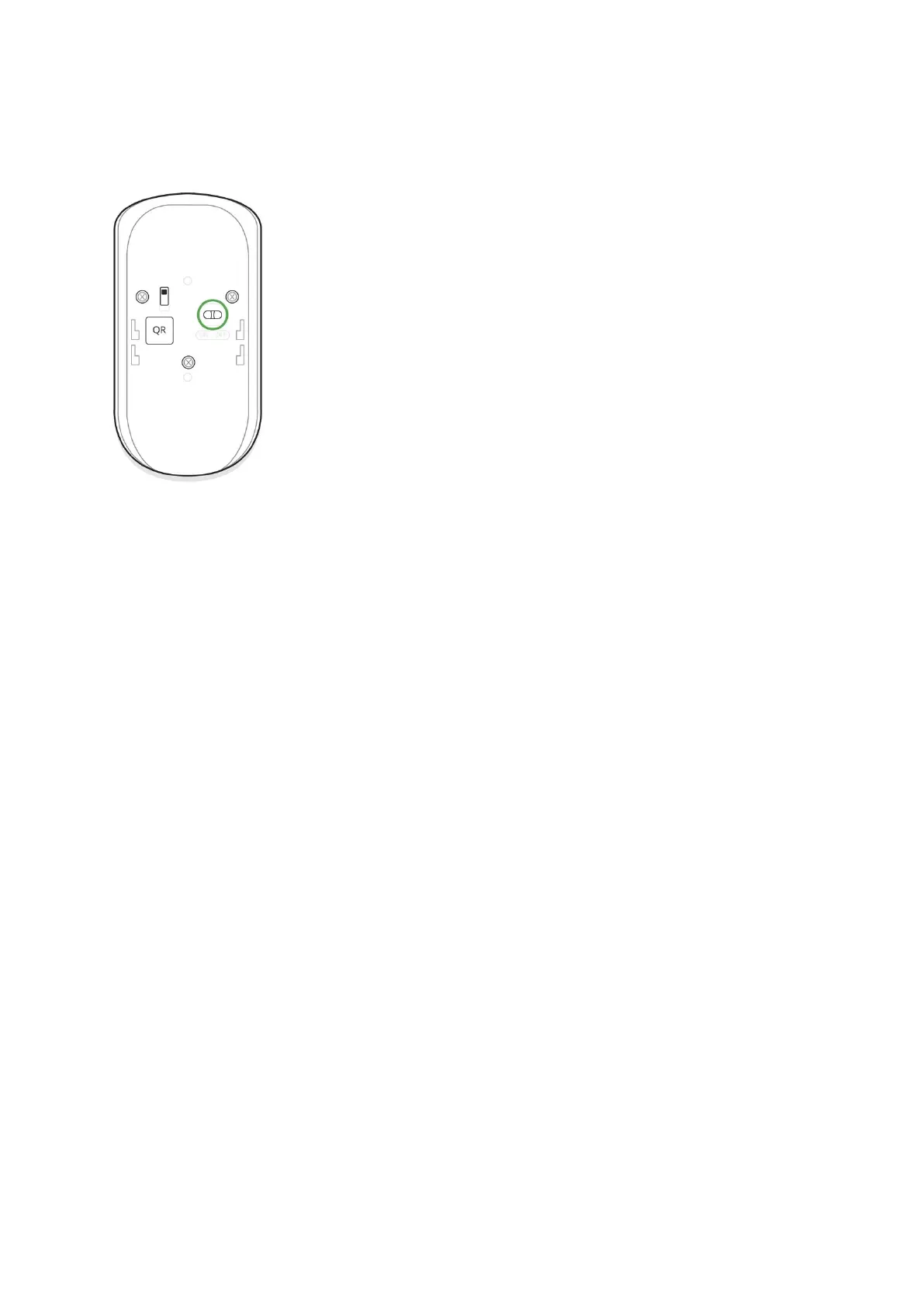
4. Switch on the device.
For detection and pairing to occur, the detector should be located within the
coverage of the wireless network of the hub (at a single protected object).
Request for connection to the hub is transmitted for a short time at the
moment of switching on the device.
If the detector failed to connect to the hub, switch off the detector for 5
seconds and retry.
The connected detector will appear in the devices list in the application.
Update of the detector statuses in the list depends on the device inquiry
time set in the hub settings (default value is 36 seconds).
Connecting the Detector to Third Party security systems
To connect the detector to a third party security central unit with
the uartBridge or ocBridge Plus integration module, follow the
recommendations in the manuals of these devices.
States
1. Devices
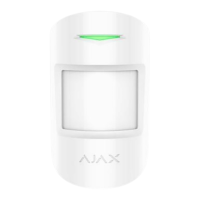
2. Motion Protect


 To Next Page