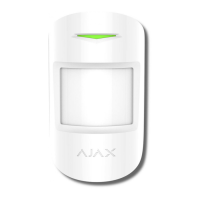
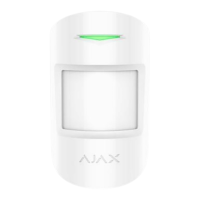
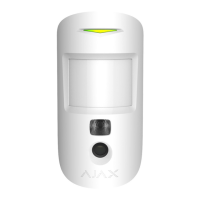
MotionCam detector has three sensitivity
levels:
● High — for rooms with a minimum
amount of obstacles; in this mode, the
movement is detected as quickly as
possible.
● Medium — for rooms with
potential obstacles: open windows, air
conditioners, heaters, etc.
● Low — for rooms with a high
amount of obstacles; in this mode, the
detector ignores animals weighing under
20 kg and up to 50 cm tall
In Always Active mode, the detector
always registers motion. Regardless of
whether the system is armed, the
detector will alert you about any motion.
Activate this mode if the detector is
installed in a room requires 24/7
monitoring.


 To Next Page