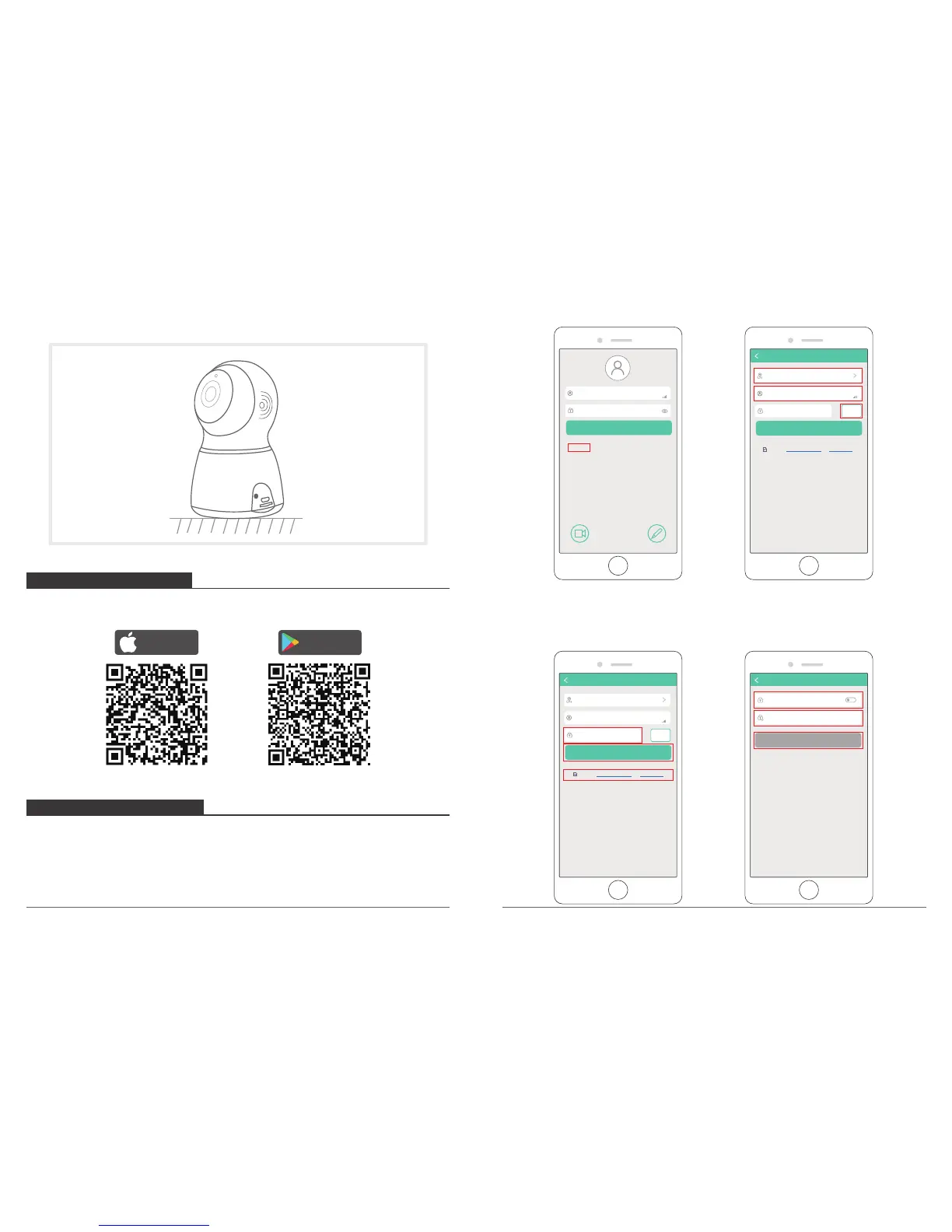
2. Place on flat surface: Put the camera on flat surface.
03 04
Please download and install “Akaso iEyes” APP on your phone by scanning the below QR
code or searching in the app store.
If you already have an account for Akaso iEyes, just ignore the below and log
in your account to add device.
① Open “Akaso iEyes” to click “ Sign up”.
Select the country and fill in the Email Address.
Press “Obtain” to get the verification code.
Download on the
App Store
GET IT ON
Google Play
2. INSTALL PHONE APP
3. GET A NEW ACCOUNT
② Fill in the verification code which get from your mailbox and click ”Software Agreement
and Privacy Policy”, and click “Next”.
Set your password, input twice times, click “OK”. Then you finish the registration and get
a new account.
Sign up
Enter password
Enter email
Sign in
Fongot password?
FeedbackDemo
Verification..e(6 digits)
Enter email
Next
Sign up
America
Obtain
Accepted Software agreement and Privacy Policy
Verification..e(6 digits)
Enter email
Next
Sign up
America
Obtain
Accepted Software agreement and Privacy Policy
Enter new password
Confirm password
OK
Sign up



 To Next Page