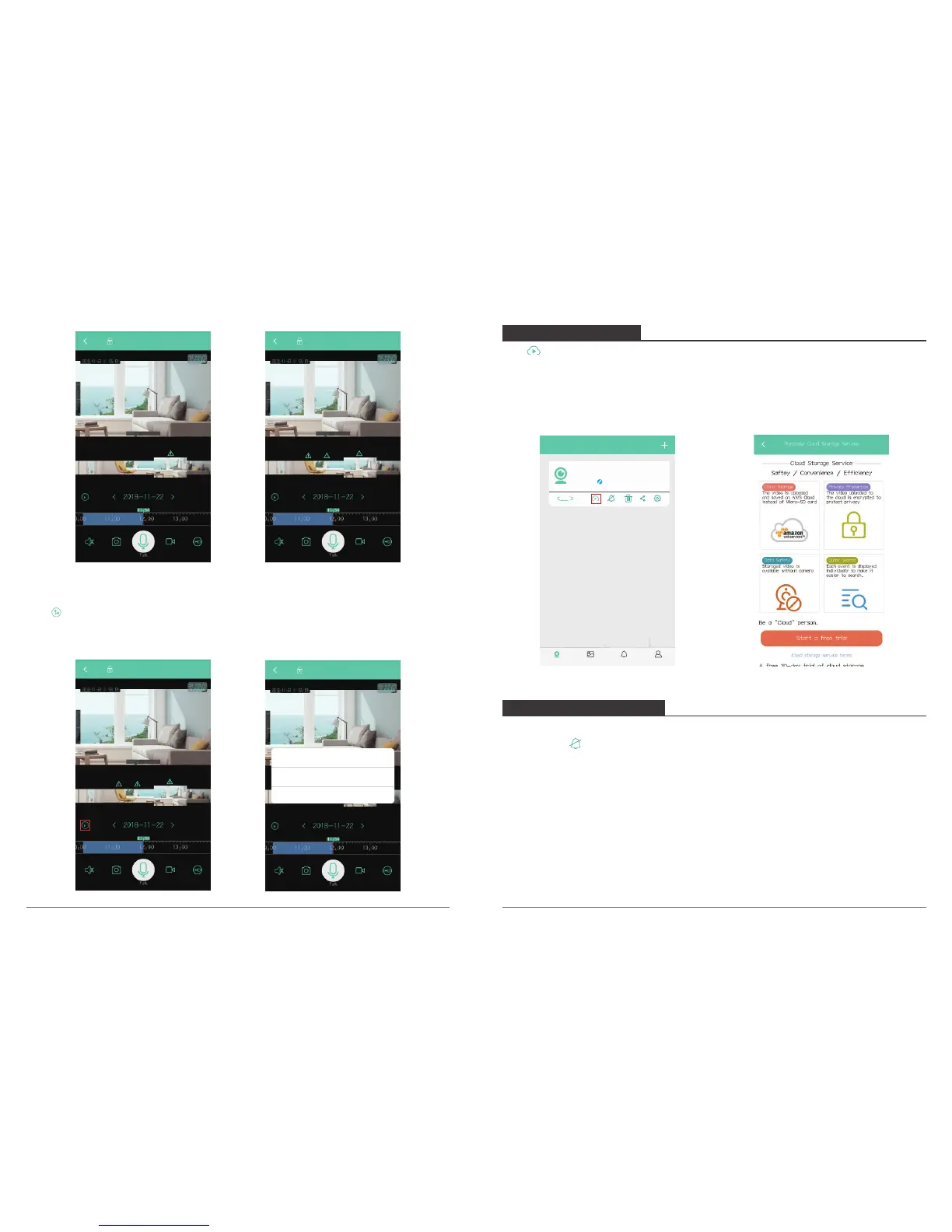
3. Delete Shooting Angle
Click on Live View Interface, a pop-up window will show, select “Delete” to delete
shooting angle.
P50 P50
P50
Tips
Akk shooting angles have been set, clear
and reset?
Cancel Delete
P50
Click on My Camera Interface to enter Cloud Storage Service Interface, you can check
cloud video, purchase cloud storage service, check purchase orders’ history and cloud
storage service terms.
First using the APP has a free 30-day trail of Cloud storage Service, click “Start a free trail”
to open Cloud service.
6. CLOUD STORAGE
My camera
P50
Online
360°
Album AlertMy camera Setting
1. Motion Detection Setting
Way 1. Click “ “ on My Camera Interface to enter alert mode setting, Turn on “Motion
detection” to enable motion detection and select “ON” on alert sound switch.
7. MOTION DETECTION
09 10



 To Next Page