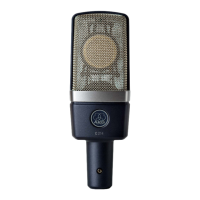
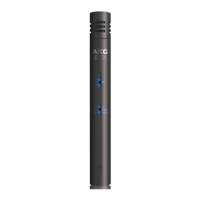
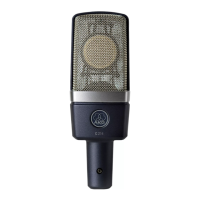
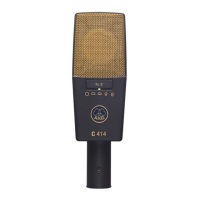
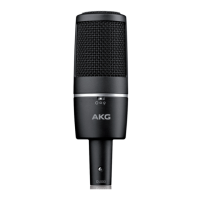
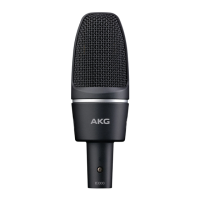
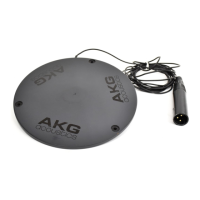
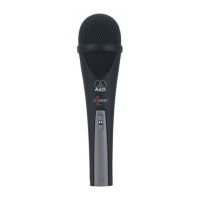
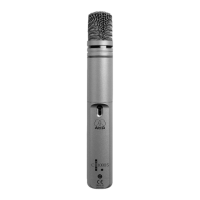
4.1 Microphone
Body
4.2 Internal
Windscreen
• To clean the surface of the microphone body,
use a soft cloth moistened with water.
1. Unscrew the front grill from the microphone
CCW.
2. Remove the windscreen from the from grill and
wash the windscreen in soap suds.
3. Allow the windscreen to dry overnight.
4. Replace the windscreen in the front grill and
screw the front grill on the microphone CW.
4 Cleaning
AKG C 5
19


 To Next Page