● Day: set up the motion detection schedule.
● Start Time- End Time: set up the start time and end time on daily basis.
16.4.Security Notification Setting
16.4.1.Email Notification Setting
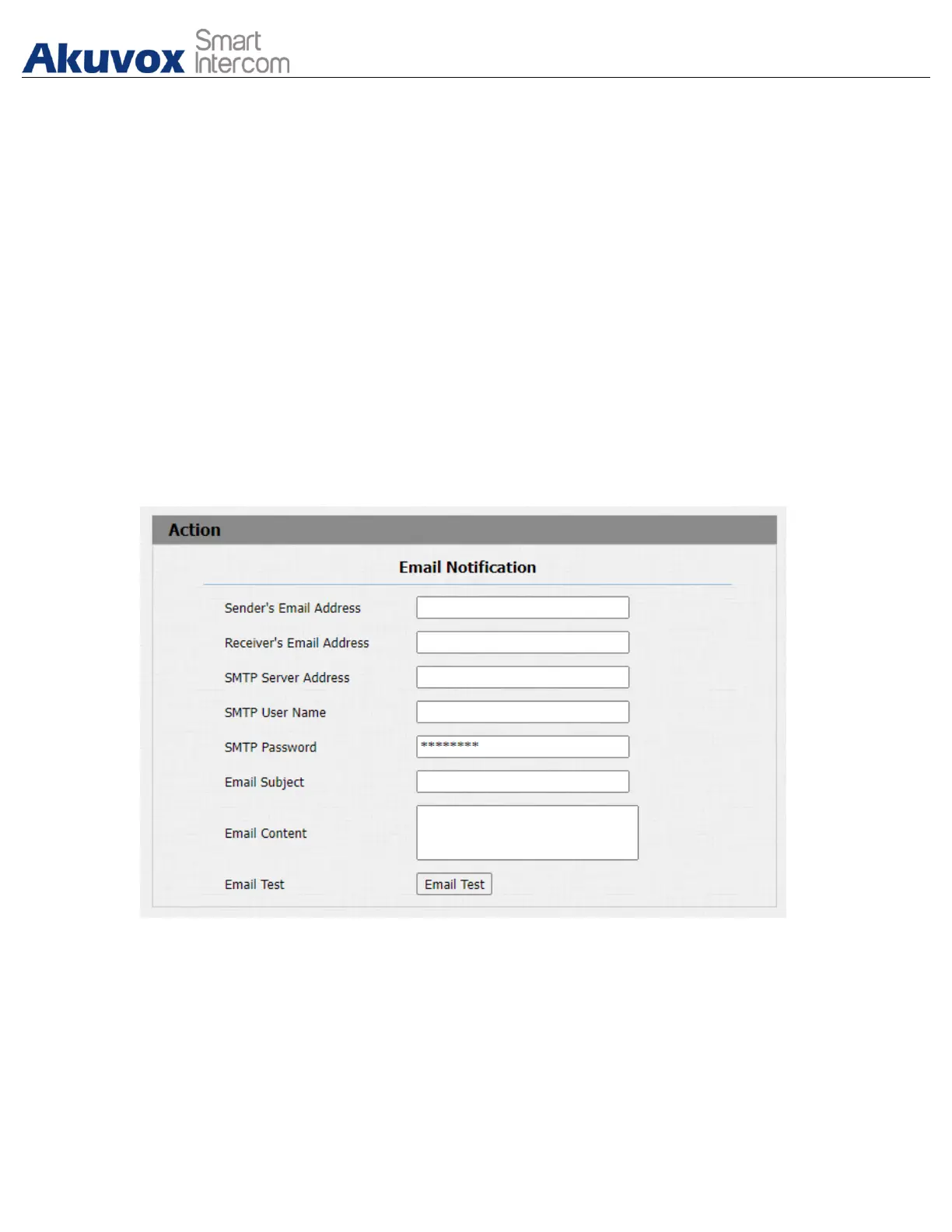
If you want to receive the security notification via email, you can configure the
Email notification on the web Intercom > Action > Email Notification interface
properly. The email notification will show as the captures.
Parameter Set-up:
● Sender's email address: enter the sender’s email address from which the
email notification will be sent out.
● Receiver's Email Address: enter the receiver’s email address.
● SMTP Server Address: enter the SMTP server address of the sender.


 To Next Page
 Loading...








