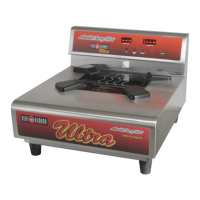
IND600 Heat On Demand
®
ULTRA SYSTEM
Installation Operation
& Service Manual
FOR PARTS & SERVICE CALL 1 (800) 888-5426
12
VII. OPERATION
No base should be on the activator surface when rst powering the
unit up. This may cause an “
Err”
message.
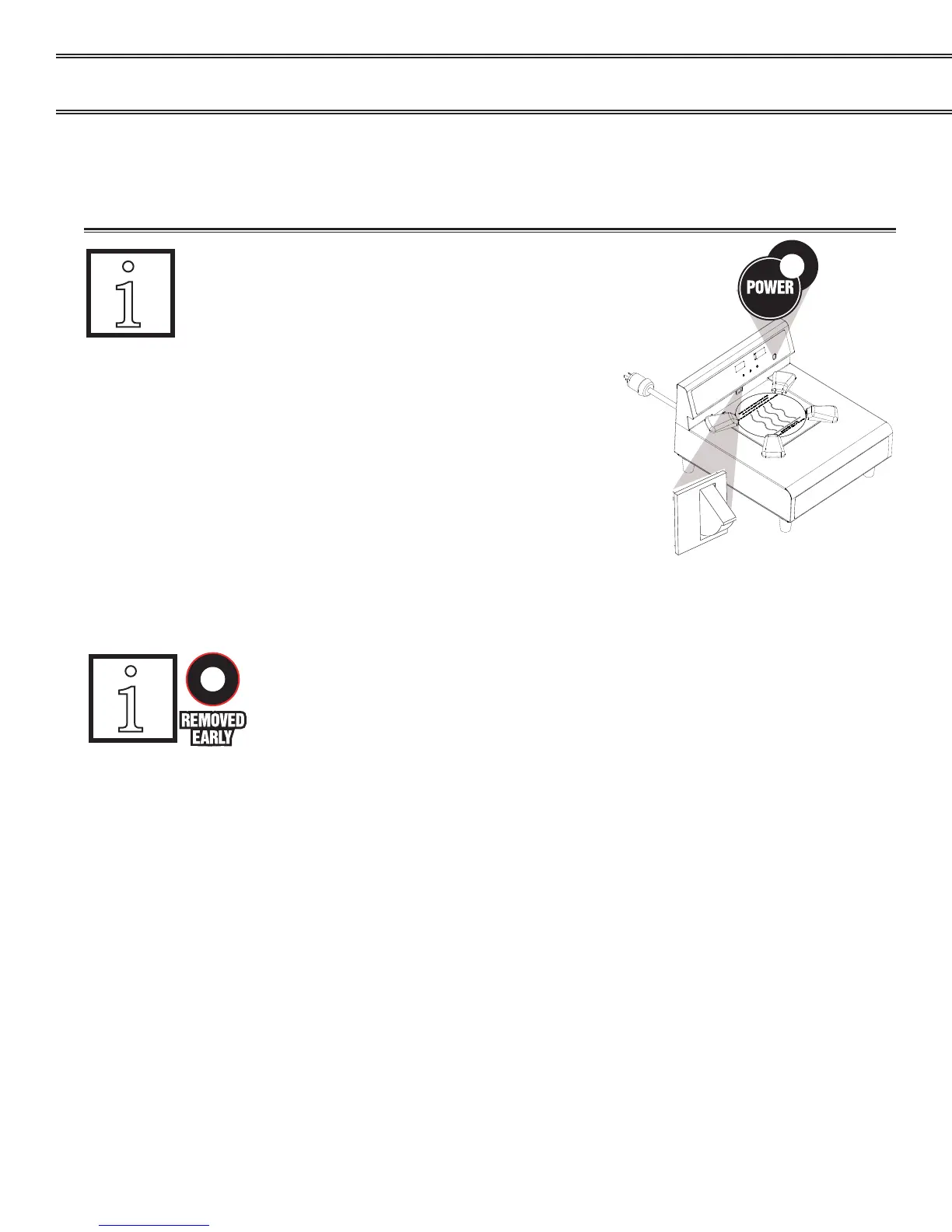
A. The activator has a power switch on the front right
side of the control panel. After turning on the activator the
red LED next to the power button should come on and the
display should show “___” & “___”.
1. Operator must place an unheated Heat On Demand
Ultra base in the proper location to start the heating
cycle. To do this slide the base into the self-centering
base guides until the heat activation switch is fully
depressed.
2. When the heater activation switch is depressed the display will beep once and “ht9” will
appear indicating the activator is heating.
Do not remove or tamper with the base during the heating cycle (while
“ht9” is displayed). Otherwise the activator will automatically stop heating
the Removed Early LED will illuminate and 5 beeps will sound.
3. At the end of the heating cycle “ht9” will be replaced by “rdy” blinking on the display and
beep twice to signal the base has completed its activation and is ready for use.
NOTE! “rdy” will blink on the display as long as the heated base remains in position.
4. The sequence of operation for this equipment is designed to activate a base in 12 seconds.
5. Always turn the main power switch to the "OFF" (Power LED and display dark) at the end of
each meal assembly period.
activation switch


 To Next Page