IND600 Heat On Demand
®
ULTRA SYSTEM
Installation Operation
& Service Manual
FOR PARTS & SERVICE CALL 1 (800) 888-5426
16
Fasteners used in the activator are metric. Any attempt to replace metric fasteners with
English fasteners could result in stripped threads or improperly afxed components.
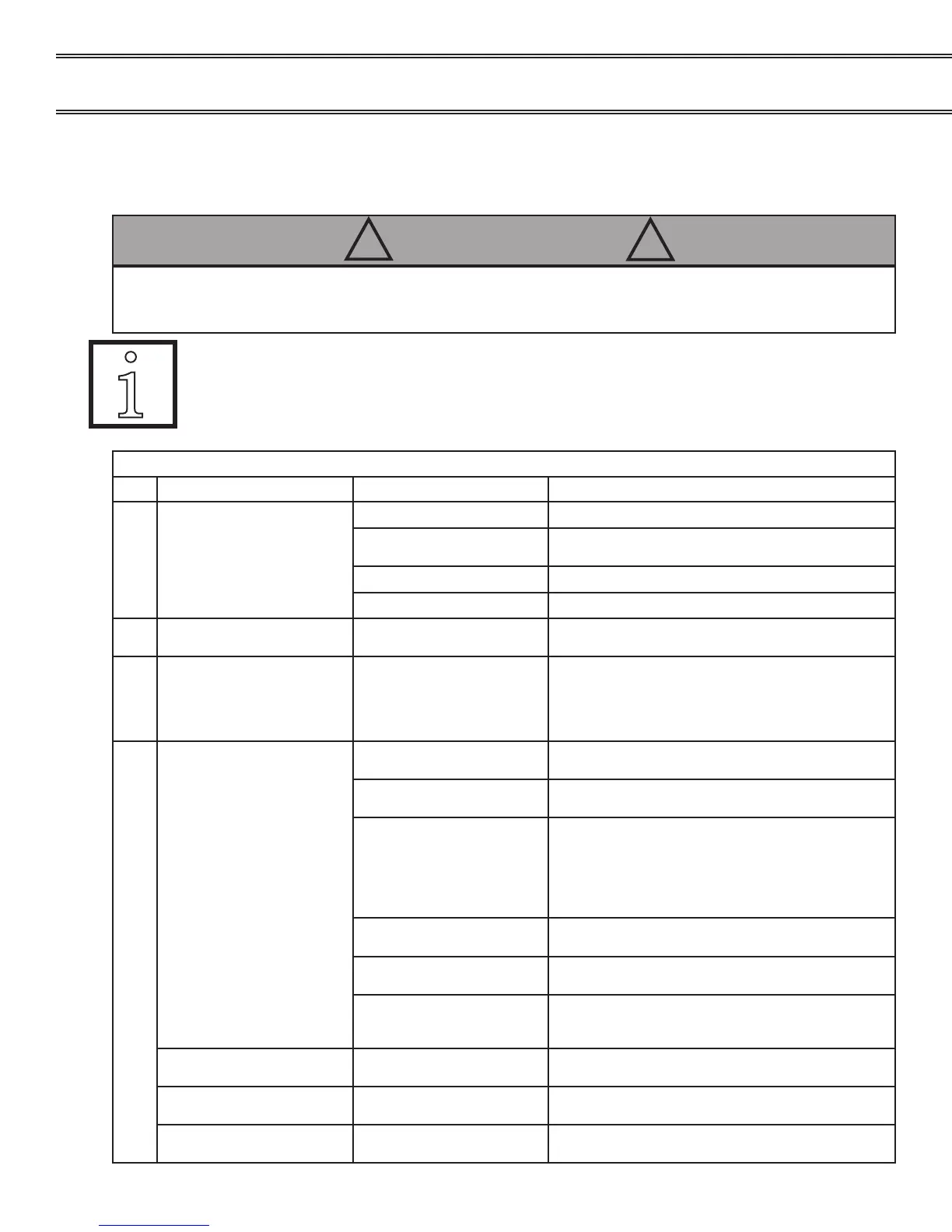
To prevent electrical shock hazard the vented rear access panel must be opened only by a qualied
electrician. Prior to performing any maintenance service or removing the vented rear access panel
insure the activator is turned OFF and is disconnected from the electrical supply.
! WARNING !
Electrician’s Troubleshooting Guide
No. MALFUNCTION CAUSE SOLUTION
1. No power indicator light Main power button is OFF Turn on main power
Improper electrical plug
connection
Insert and twist plug quarter turn clockwise check
receptacle
Blown 20 amp main fuse Replace (at rear of unit) (PN 98914)
Power outage Call facilities maintenance
2. Base does not start to heat
(“ht9” not displayed)
Incorrectly positioned base Position base snugly against alignment xture so that
the switch is fully depressed.
3. Base does not nish heating
( “Err” displayed)
Incorrectly positioned base Remove original base. Next correctly reposition a
new base in alignment xture. (Do not double cycle
the same base) If activator does not operate properly
after resetting call Aladdin Temp-Rite Service Depart-
ment.
4.
Activator will not run (“
Err”
displayed)
Incorrect voltage Check voltage at receptacle. Voltage should be +/-
10% at each phase.
Interrupted power Reset unit: Turn the unit OFF wait 10 seconds & turn
the unit back on.
Incorrectly positioned base Slide the base snugly against alignment guide so that
activation switch is fully depressed.
Inserting the base in the alignment guide at an angle
can create a situation where the activator thinks it
should begin a heating cycle. However the base
may not be properly seated on the IND600 surface.
Base in pellet guide upon
power up
Always remove base from pellet guide upon initial
power up of appliance.
Broken switch
(Visibly Noticeable)
Call a Service Technician to check if activation switch
is broken. Replace switch (p/n 97860) if necessary.
Broken switch
(Not visibly noticeable)
Call a Service Technician to check the activation
switch with an ohm meter ≤ 10 Ω is normal. Replace
switch (p/n 97860) if necessary.
COLD LED is illuminated Base is too cold to achiever
proper retention
Remove base and set aside for 10 min then reinsert
REMOVED EARLY LED is
illuminated
Base removed early Reinsert base may be too hot after removing early.
ALIGNMENT LED is
illuminated
Base not properly aligned in
guides
Check alignment of base in guides.
Electrician’s Troubleshooting Guide
Fig. A*
Fig. C*
Fig. B*
Fig. A*
Fig. A*


 To Next Page