How to use your ALAN 456 9
Select the desired VOX level by means of the /
buttons. The VOX sensitivity is now adjusted.
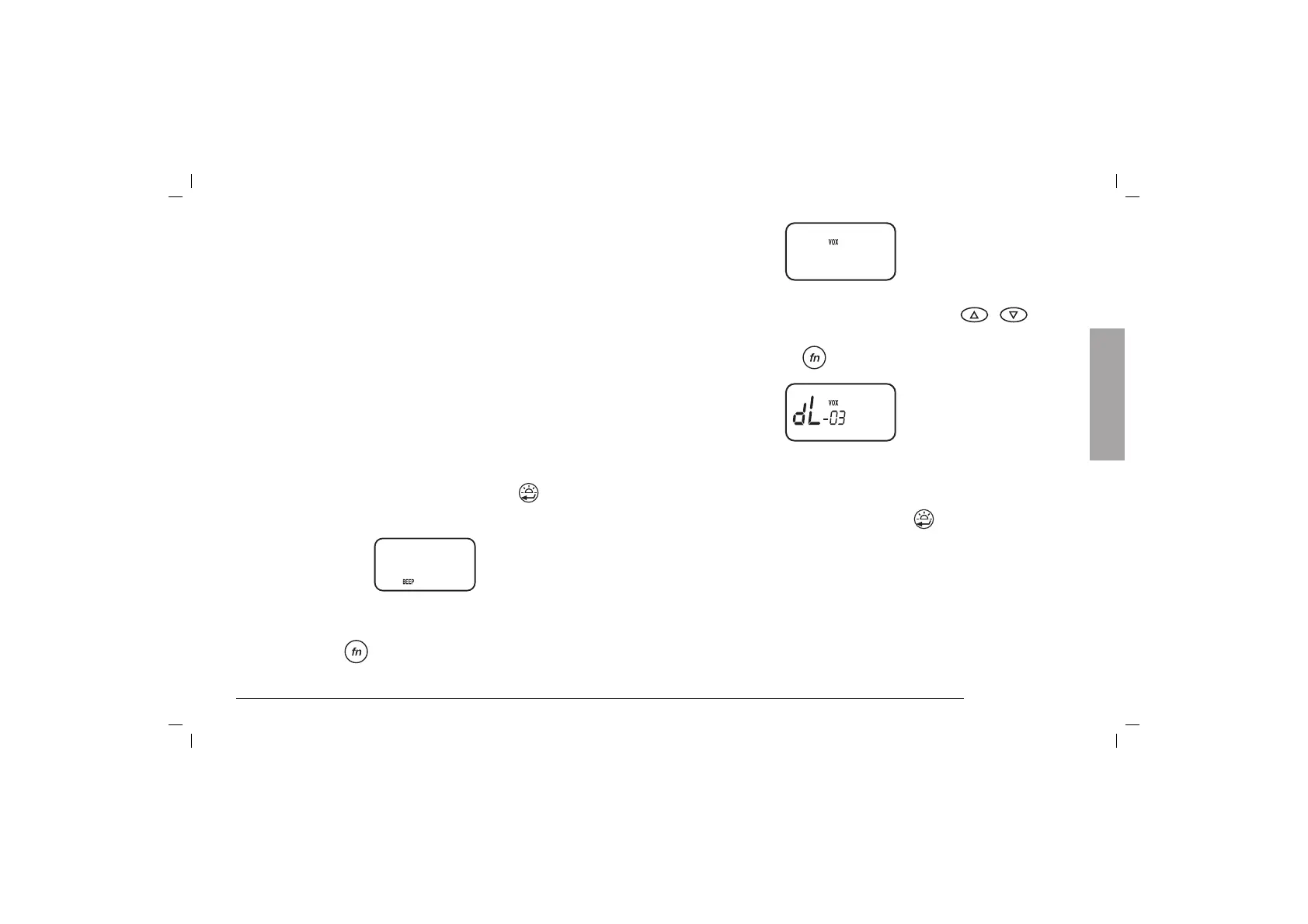
4) Press again the
button: the display shows:
With these steps you can select the desired level, so that
the radio switches in RX in the desired delay. 01 level is
the shortest time, 06 level is the longest one.
5) To confirm the operations, press the
key or turn off
the radio.
To transmit, speak into the microphone – the voice
automatic control switches ALAN 456 into transmit mode.
Note: In sites with very loud background noise, to set
the switch in position “06” ( select “LE vox 06”) is
recommended.
Voice-controlled transmit mode (VOX)
Your ALAN 456 is equipped with PTT (manual transmit mode)
and VOX (automatic voice control). The VOX can be adjusted
in 6 positions: from 01 (higher sensitivity) to 06 (lower
sensitivity). 01 position is recommended in quiet sites; 06
position is ideal for the operation with microphone/loudspeaker
or for room monitoring with large background noise.
VOX activation and setting
VOX activation
Set the “VOX/PTT” switch, on the right side of ALAN 456, in
“VOX” position.
Sensitivity setting and RX return time
1) Set the ON/OFF volume control on “OFF” position.
2) Turn on the unit keeping pressed the
key (when
released, the display shows “BEEP on”):
3) Press the
button until the display shows:
oN
LE
-03
English



 To Next Page