EasyManua.ls Logo

Alarm Lock Trilogy PDK3000 Series - User Manual

Alarm Lock Trilogy PDK3000 Series
40 pages
Print Icon
To Next Page IconTo Next Page
Loading...
1
WI1120E 5/07
Trilogy
PDK3000 Series
Programming Instructions
PDK Trilogy Series
Standalone Access Control Systems
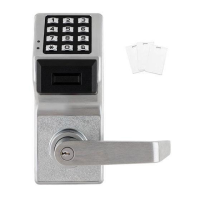
with ProxCard Access
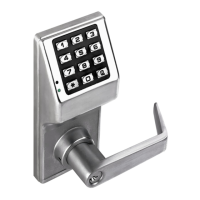
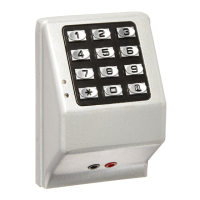
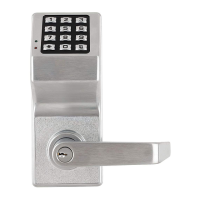
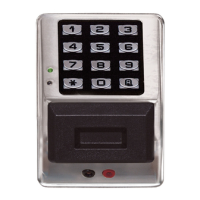
PDK3000
345 Bayview Avenue
Amityville, New York 11701
For Sales and Repairs 1-800-ALA-LOCK
For Technical Service 1-800-645-9440
Publicly traded on NASDAQ Symbol: NSSC
© ALARM LOCK 2007
HID
HID CORPORATION
PROXCARD
®
PROXKEY
®
KEYFOB
DL-WINDOWS PROGRAMMING
SOFTWARE
AL-DTM
DATA TRANSFER
MODULE
AL-PRE PROXCARD
®
READER / ENROLLER
AL-IR1 PRINTER
Question and Answer IconNeed help?

Do you have a question about the Alarm Lock Trilogy PDK3000 Series and is the answer not in the manual?

Summary

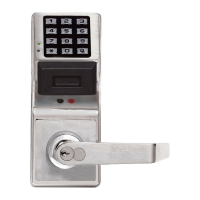
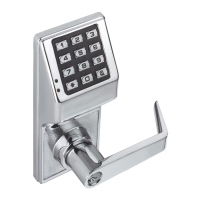
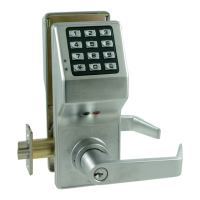
PDK3000 SERIES LOCK

PDK3000

Describes the PDK3000 keypad and its function as a lock control device.

PDK Series Lock Features

Lock Features

Lists general lock capabilities such as non-volatile memory and real-time clock.

User Features

Details user-related functionalities including user levels and code lengths.

Keypad and Computer Programming

Explains programming methods via keypad or DL-Windows software.

Lock Design Overview

Programming Levels

Wiring, Power Up and Specifications

Quick Start

First Time Start Up

Essential steps for initial lock setup and preparing for programming.

Enter Program Mode and Change Factory Master Code

Procedure to enter programming mode and set a new Master Code.

Enter User Codes

Instructions for adding new user codes to grant access.

Testing the Codes Entered

Programming Functions-Overview

Programming Functions

1. New Master Code (User Number 1)

Step-by-step guide to set or change the master code.

2. Add;Delete;Change User Codes 2-2000

Comprehensive instructions for managing all user codes.

Programming Functions (contd)

CLOCK SETTINGS

CLOCK ADJUST

PASSAGE MODE

Passage Mode Enable;Disable - Schedule will Override

Controls passage mode, with schedules overriding manual settings.

45. Enable Passage Mode

Allows passage without a user code until re-locked.

47. Timed Passage Mode

Enables passage mode for a specified duration.

PERMANENT PASSAGE MODE

Passage Mode Enable;Disable - Schedule will not Override

Manages passage mode independent of scheduled events.

PASS TIME

Pass Time

Defines how long the lock remains unlocked after a valid code entry.

LOCKOUT

60. Number of Attempts Before Lockout

Configures how many invalid attempts trigger keypad lockout.

61. Set the Attempts Lockout Time

Sets the duration the keypad remains locked out.

AMBUSH

66. Ambush Code

Sets a special code to silently unlock the door while triggering an alarm.

SYSTEM FEATURES

Ambush Function

Details on setting up and using the Ambush Code feature.

SCHEDULES

SCHEDULES GROUP 1 ACTIVATED

Scheduled Passage Mode (Group 1 Activated)

Activates passage mode when a Group 1 user code is entered within a window.

88. Passage Mode (Open Time Window)

Sets the start time for the passage mode activation window.

Scheduled Group 4 Enable (Group 1 Activated)

CLEAR ALL PROGRAMMING

99. Clear All Lock Programming

Resets the lock to its original factory default settings.

Groups and Scheduled Group 1 Examples

Alarm Lock Trilogy PDK3000 Series Specifications

General IconGeneral
BrandAlarm Lock
ModelTrilogy PDK3000 Series
CategoryLocks
LanguageEnglish

Related product manuals