19 Nov. 2006
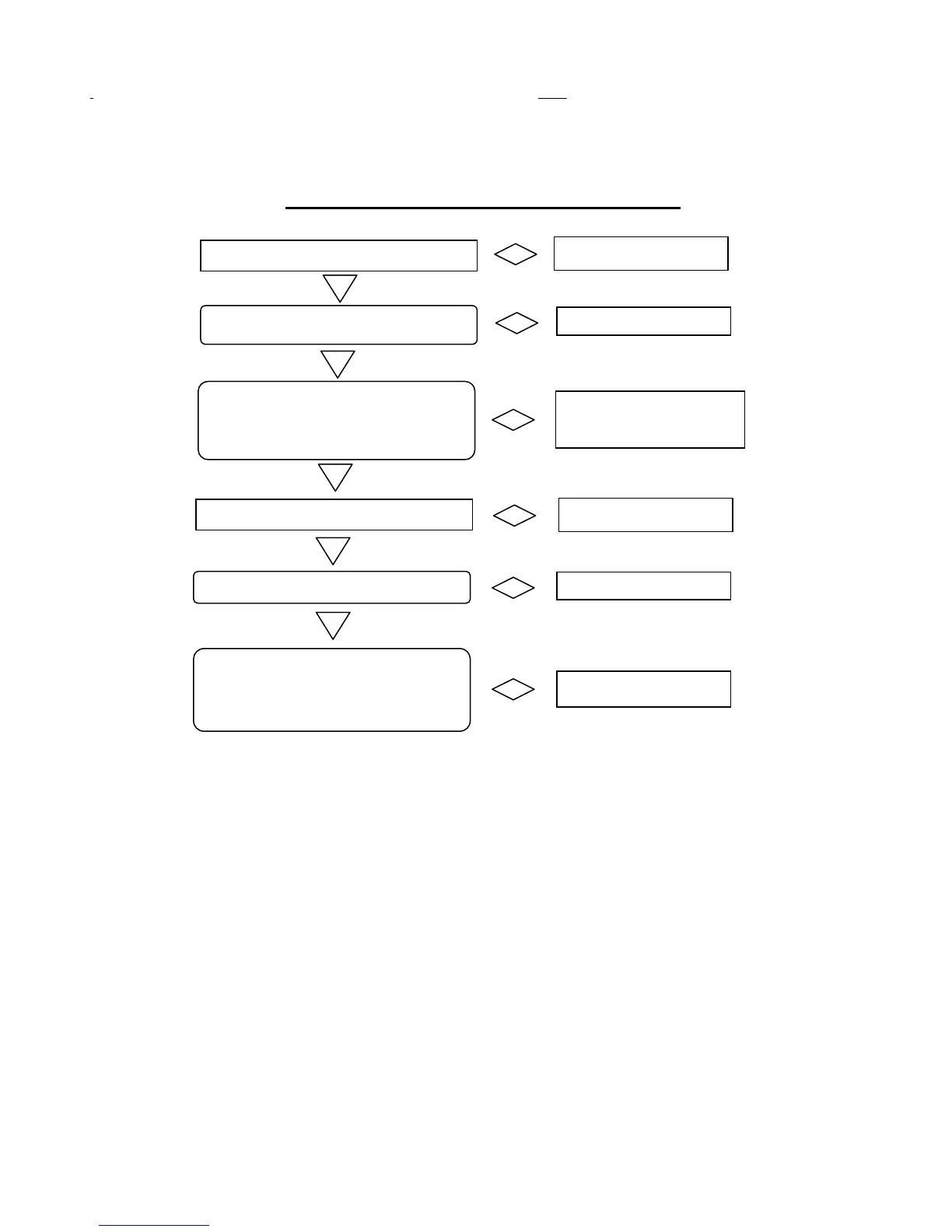
Quick reference for setting limits
Reset Light turns on
Close door with ‘JOG’ switch
When door reaches bottom
limit, press RESET button
while the door is still moving.
Door in the CLOSED
POSITION
When door reaches the open
limit proximity switch, it will
stop automatically
OPEN door with ‘JOG’ switch
Reset Light turns on
Door STOPS Moving


 To Next Page