829
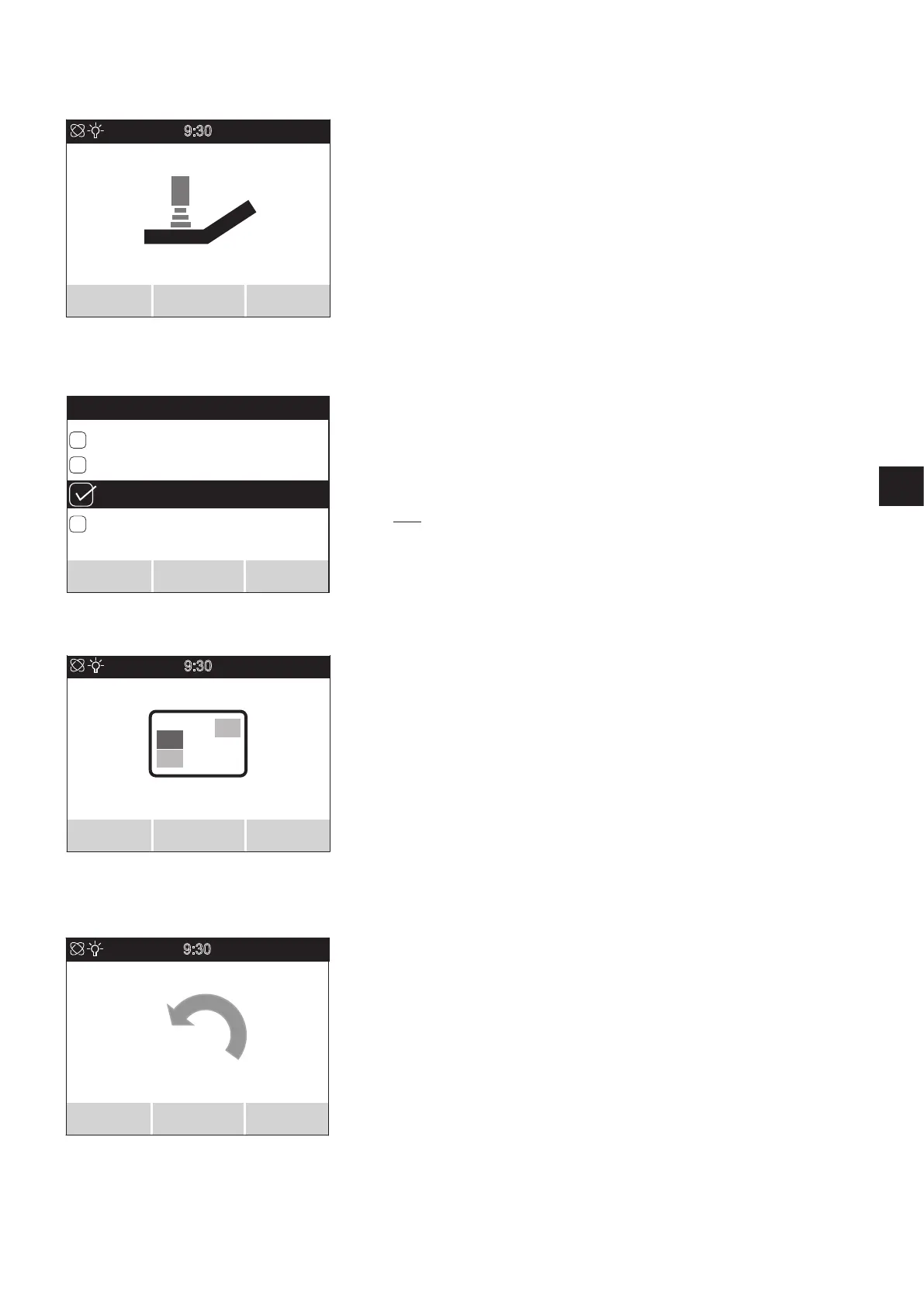
5.3.4 Travel mode menu
• Select the
travel mode
menu and press the menu function button [23] to access the
associated sub menu.
• The sub menu shows the
travel mode
screen, which lists the parameters TOUR, ECO,
SPORT and (if activated) SPEED.
• Move the joystick [21] forwards or backwards to move the parameters through a black
bar on the display.
• The parameter highlighted by the bar is activated by moving the joystick [21] to the
left or right, or pressing button [23]. When the parameter is active, a ticked square is
displayed to the left of it.
• If the required parameter has been activated, it needs to be saved now. Press button
[22] on the control unit to do this.
• Select further menus or press button [24] again to return to the user screen.
Travel mode features
TOUR: Standard settings (not shown in the user screen in position [53]).
ECO: Reduced acceleration and deceleration values.
SPORT: Dynamic calibration of acceleration and turning performance.
SPEED: (only applies to Esprit E34z with 8 km/h control unit): Dynamically adapted
travel mode with a maximum speed of 8 km/h.
NOTE: If the battery pack capacity is below 20 percent, the pre-set speed is auto-
matically reduced to 6 km/h at the next stop.
5.3.5
Display
menu
• Select the
display
menu and press the menu function button [23] to access the associ-
ated sub menu.
• The sub menu lists the parameters
daily kilometres, range, time, date
and
start screen
.
• Move the joystick [21] forwards or backwards to move the parameters through a black
bar on the display.
• The parameter highlighted by the bar is activated by moving the joystick [21] to the
left or right, or pressing button [23]. When the parameter is active, a ticked square is
displayed to the left of the parameter.
• All parameters can be activated or deactivated.
• If one or more parameters have been activated, they need to be saved. Press button
[22] on the control unit to do this.
• Select further menus or press button [24] again to return to the user screen.
5.3.6
Reset KM counter
menu
• Select the
Reset KM counter
menu and press the menu function button [23] to access
the associated sub menu.
• The sub menu displays the
Reset daily kilometre counter
screen, which indicates the
kilometres travelled.
• Press button [22] of the control unit to reset the daily kilometre counter to "zero", or
button [24] to return to the
travel mode
menu without resetting the daily kilometre
counter.
• Select further menus or press button [24] again to return to the user screen.
9:30
23.11.20
Travel mode
Select
Back
TOUR
SPEED
SPORT
Travel mode
Save
Back
Select
ECO
9:30
Display
Select Back
9:30
23.11.20
RESET
KM counter
Select
Back



 To Next Page