30
5.3.7
Setting
menu
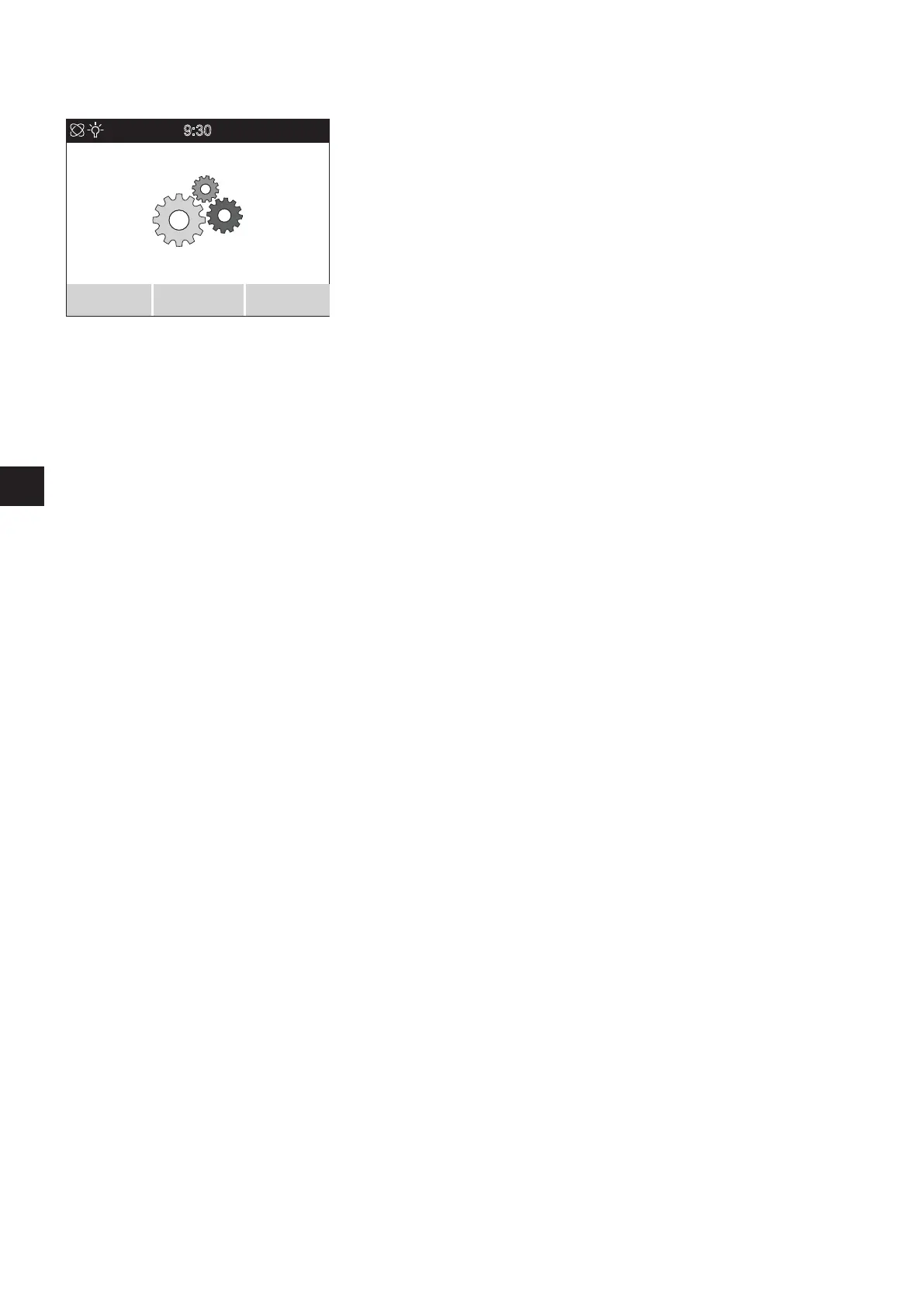
Select the
Setting
menu and press the menu function button [23]. This takes you to
a sub menu with the settings
Screen brightness, Lang.selection, Date/Time, Signal tone,
Units
and
Programming
.
Each of these options has an associated sub menu in which you can apply the settings
described in the following.
As described in the previous chapters, parameters can be specified and activated or
deactivated using the joystick. Similarly, as you already know, you can navigate and save
parameters using buttons [22] (save), [23] (jump to a sub menu) and [24] (go back a
level without saving).
Screen brightness
sub menu
By moving the joystick [21] to the left or right you can reduce or increase the brightness
of the screen displays.
Lang.selection
sub menu
By moving the joystick [21] to the left or right you can set the language to be used in
the display screens.
Date/time
sub menu
By moving the joystick [21] to the left or right you can navigate through the individual
parameters.
By moving the joystick [21] forwards or backwards you increase or reduce the parameters.
You can only edit those parameters that are shown in the display in grey.
Signal tone
sub menu
By moving the joystick [21] to the left or right you can switch the control unit signal
tones on or off.
Units
sub menu
By moving the joystick [21] to the left or right you can display the individual details in
metric or imperial measurements.
Programming
sub menu
Your specialist dealer has exclusive access to this sub menu to modify or customise para-
meters relating to the travel characteristics of the Esprit.
9:30
23.11.20
Setting
Select Back



 To Next Page