— 14 —
REMOTE ACCESS
Connecting Via the App
y
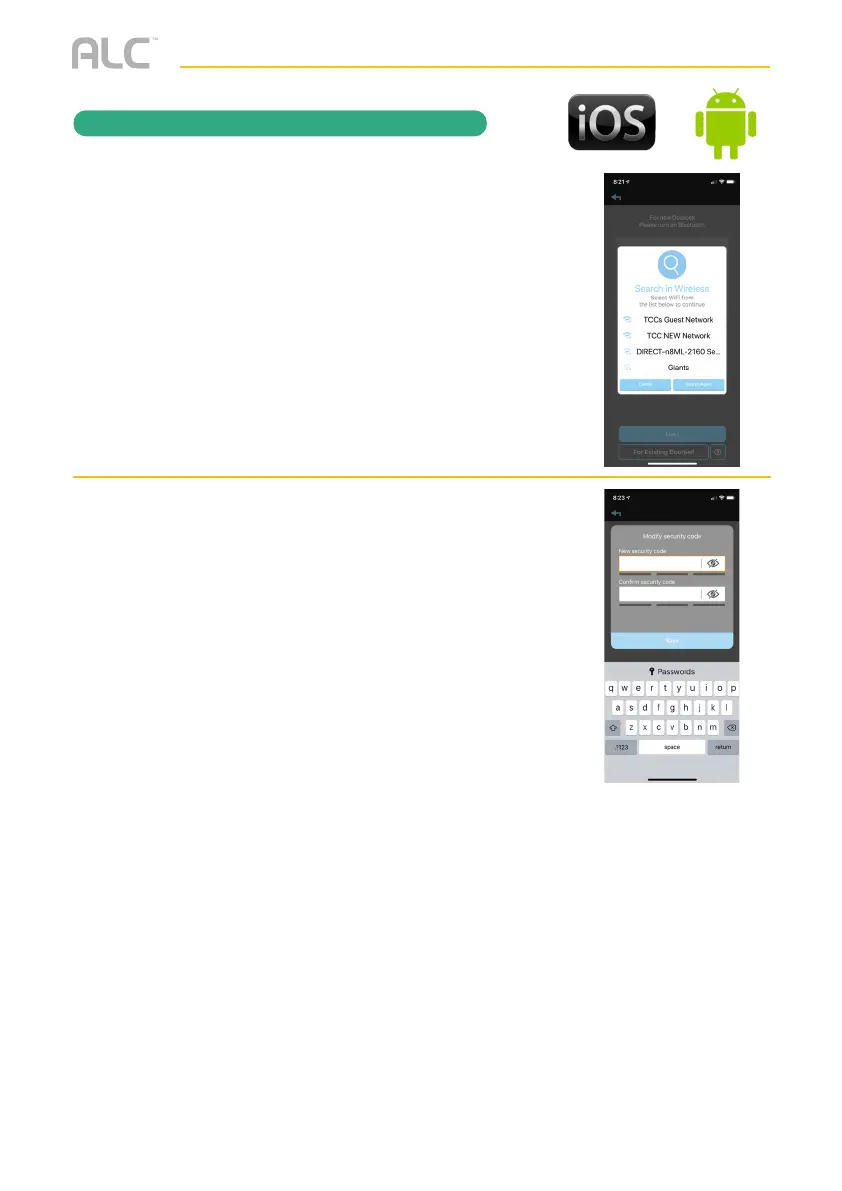
Select your home network from the
menu, and then enter your home
network’s Wireless Password. If you get
an error, make sure to enter the correct
password and repeat.
U
At the next screen enter a new password/
security code twice and remember it or
write it down. Tap Save.
Your doorbell is now setup.


 To Next Page