— 25 —— 24 —
REMOTE ACCESS
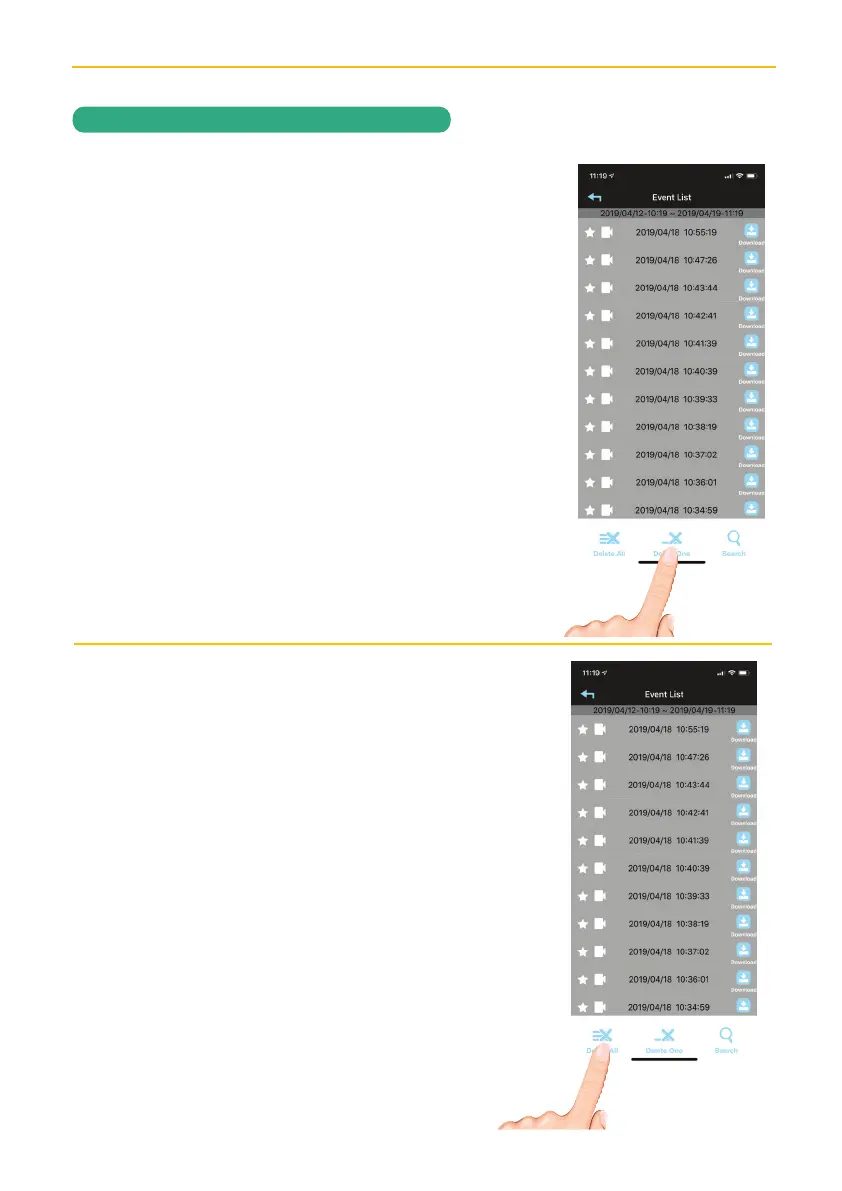
To Delete Videos
u
Access the Events List as shown in
steps 1 to 4 on pages 22-23.
To delete one video, tap the Delete
One icon. Then tap Delete next to the
respective file you want to delete.
v
To delete all video, tap the Delete
All icon. Then tap Delete next to the
respective file you want to delete.


 To Next Page