— 40 —
MAINTENANCE
Doorbell
Reset
When dust and grime builds up on the camera lens and glass, it will affect the night vision
capability. The infrared light reflects off of the dust and grime, limiting the camera’s “vision.” Use
a microfiber cloth to regularly clean the camera or when night vision video is cloudy or unclear.
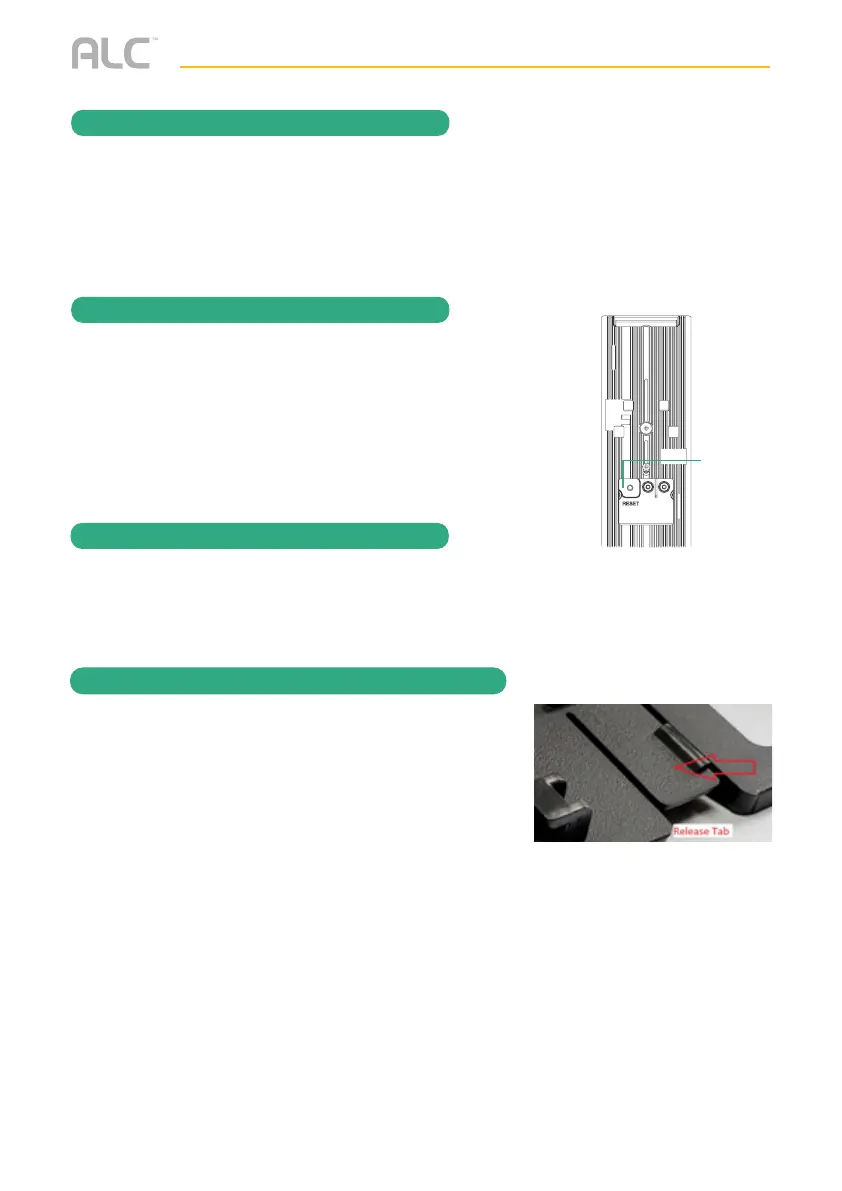
To reset the doorbell, press and hold the Reset button for 10 seconds
until the light around the button blinks rapidly
Reset
Button
The Video Doorbell Firmware will upgrade automatically or the SightHD app will notify you
when a new version is available.
Upgrading the Firmware
Removing Video Doorbell from Bracket
Insert a small screwdriver or paper clip in between the
doorbell and the bracket release tab and push out.


 To Next Page