— 13 —— 12 —
REMOTE ACCESS
Connecting Via the App
u
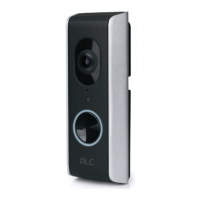
When power is supplied to the doorbell,
allow it to boot up for approximately 90
seconds, the LED ring will blink 3 times
when ready.
v
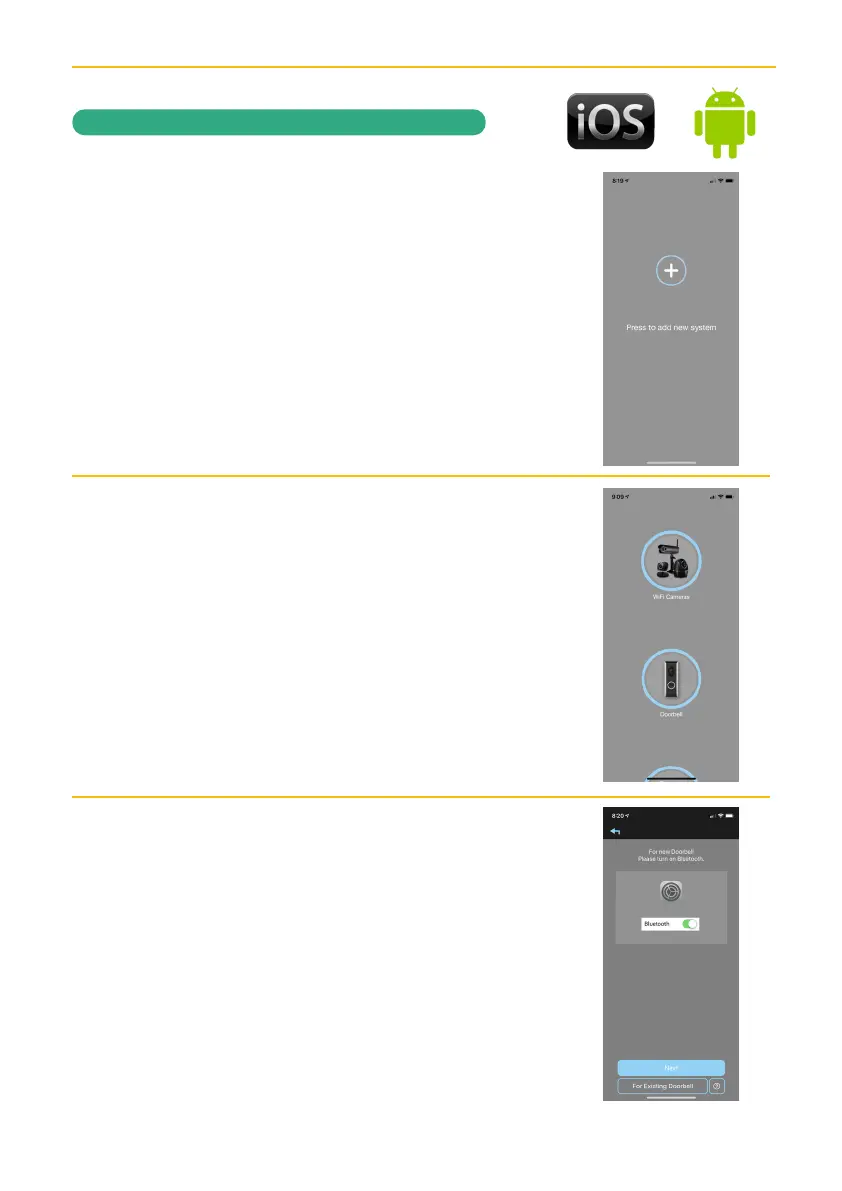
Now Launch the ALC SightHD App and
the Setup Wizard will appear.
w
Tap + to start the Wizard and then tap
Doorbell.
x
Tap Next; the unit will start searching,
and connect to the Video Doorbell.
If Bluetooth is not turned On on the
phone, then this screen will popup.


 To Next Page