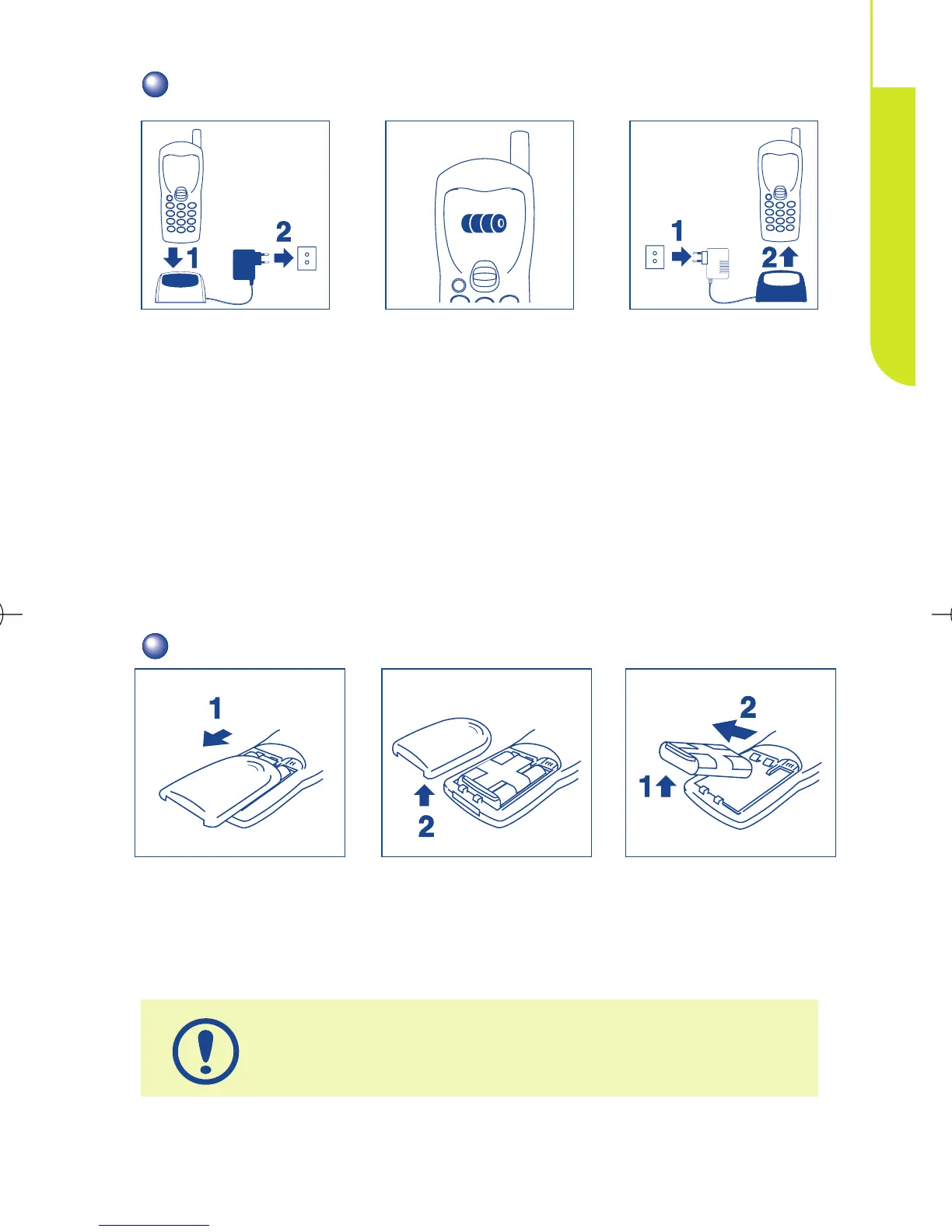
CHARGING THE BATTERY
A beep will sound when charging begins.
It takes a brief while before the charging indicator icon starts
to flash.
The mains socket outlet must be close to the phone and
easily accessible.
When you first use your phone you must charge the
battery for approximately 3 hours.
Disconnect the
battery charger once
charging is complete
Wait for on-screen
indicator to stop
flashing
Connect the battery
charger
9
GETTING STARTED
2
REMOVING THE BATTERY
Unclip and slide the
cover.
Remove it Remove the battery



 To Next Page