8.1 - ACCESSING THE CALCULATOR
From the standby screen, you can access the calculator in two
ways.
A)
Press the key and select the “CALCULATOR” option.
B)
Enter a digit directly via the keypad, then press the
key and select the “CALCULATOR” option.
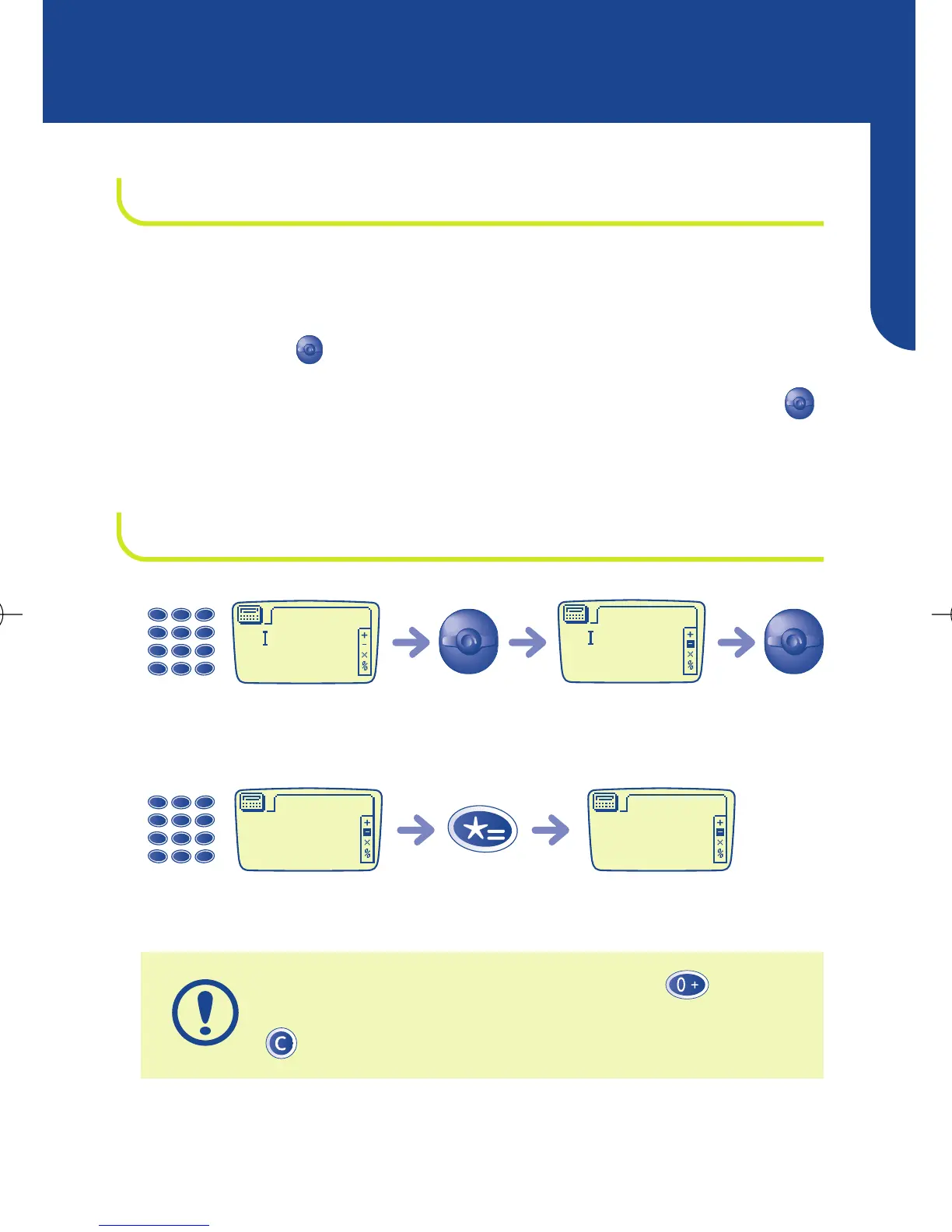
8.2 - CALCULATION EXAMPLE
To enter a decimal point (“.”), press the key (long
keypress). To return to the standby screen, press the
key (long keypress).
Result is displayedPressEnter a second number



 To Next Page