5.3 - DURING A CALL
AVAILABLE OPTIONS
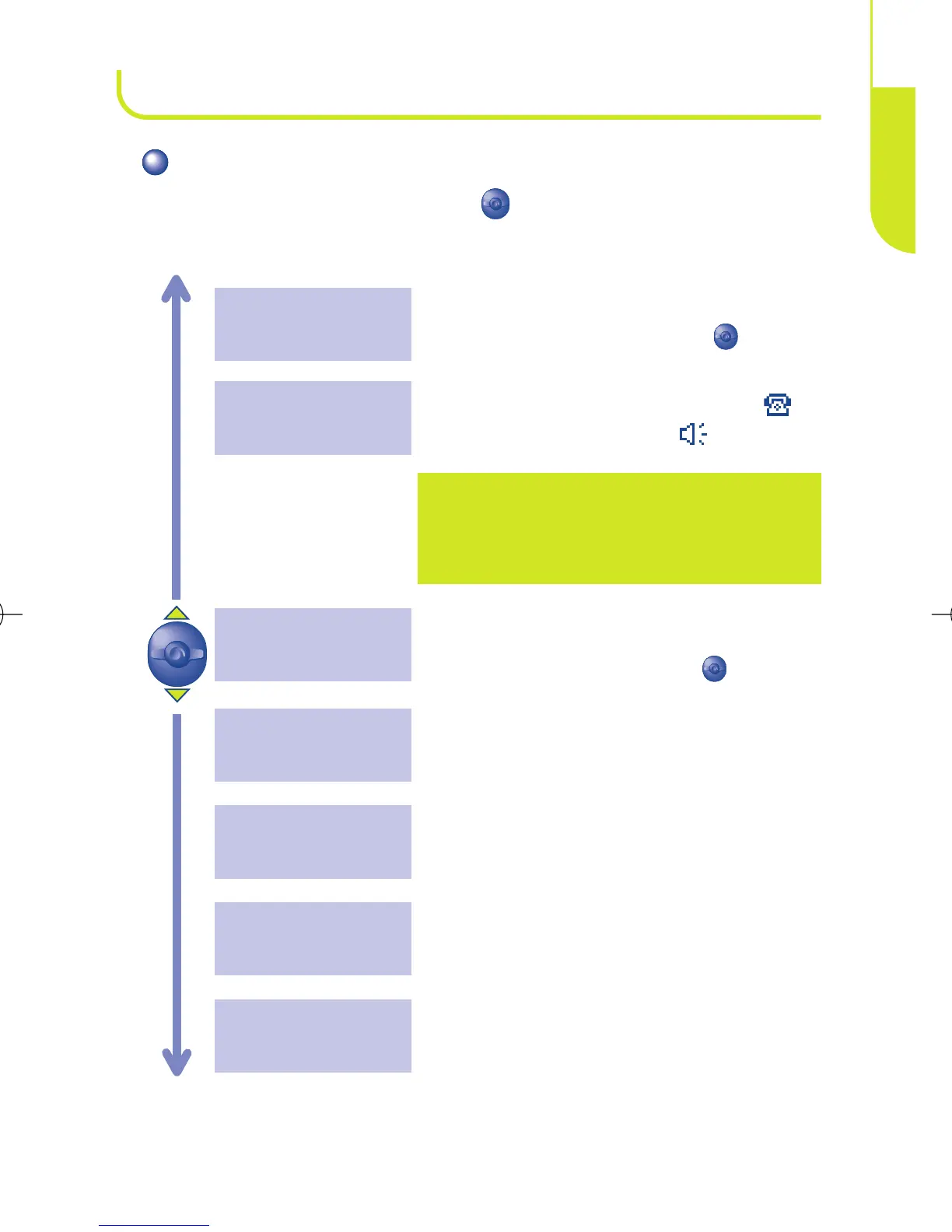
During a call, you can use the key to access the following
options:
Return to the previous screen.
Exit
Access the services supported by your
network operator.
Services
Read your short messages.
Messages
Store a phone number in the directory.
Save Number
Make a second call (an ongoing call will be
automatically put on hold, you can switch
between calls by pressing the key).
Dial
Caution: move the handset away from
your ear before activating this mode
because the amplified volume could cause
hearing damage.
Activate/deactivate handsfree mode (
symbol is then replaced by ).
Hands-free
Place an ongoing call on hold (you can later
resume the call by pressing the key).
Call hold
21
CALLS
5



 To Next Page