EasyManua.ls Logo

Alcatel 300 - Creating Melodies; Accessing the Melody Menu; Composing a Melody

Alcatel 300
64 pages
Print Icon
To Next Page IconTo Next Page
To Previous Page IconTo Previous Page
Loading...
38
11
CREATING MELODIES
11.1 - ACCESSING THE “MELODY” MENU
From the “Ring tones option, you can create two tunes which the
phone plays (“My melody).
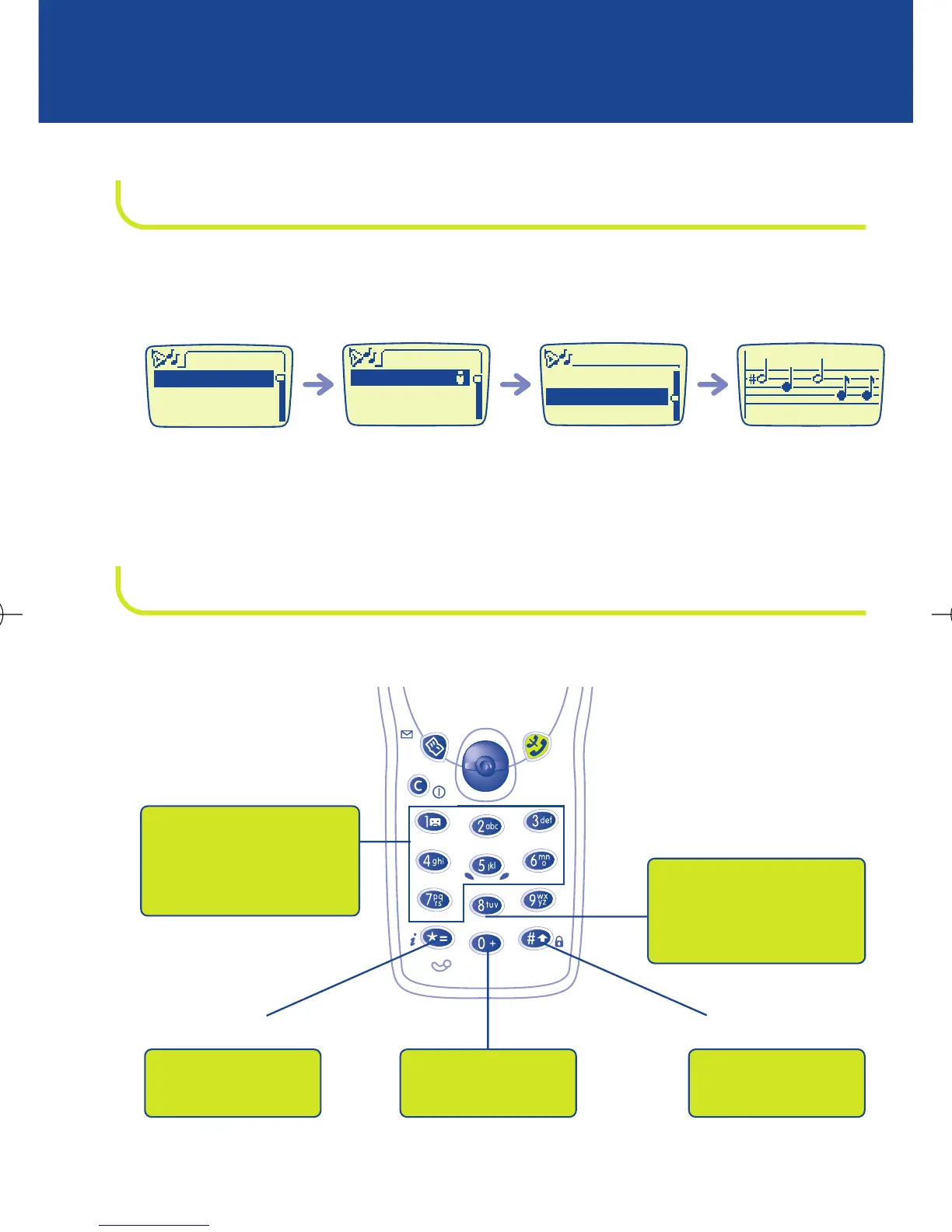
11.2 - COMPOSING A MELODY
To compose your melody, use the keypad as shown below:
Select the “Modify
melody option
Select the “My
melody option
Select the
“Melodiesoption
Activate
Modify melody
Modify the title
Melodies
My Melody
Ballade
Rock
Ring tone
Melodies
Volume
Primary notes of an
octave (doh, ray, me,
fah, soh, lah, te)
Change octave
Add a sharp
Change duration
(short, normal, long)
Add silent
pause
BE4 ANGLAIS OK (msg OK) 24/07/00 14:27 Page 38

Related product manuals