42
13
MENU
13.1 - CUSTOMISING YOUR MENU
You can make the options that you use most frequently more
accessible (up to 9).
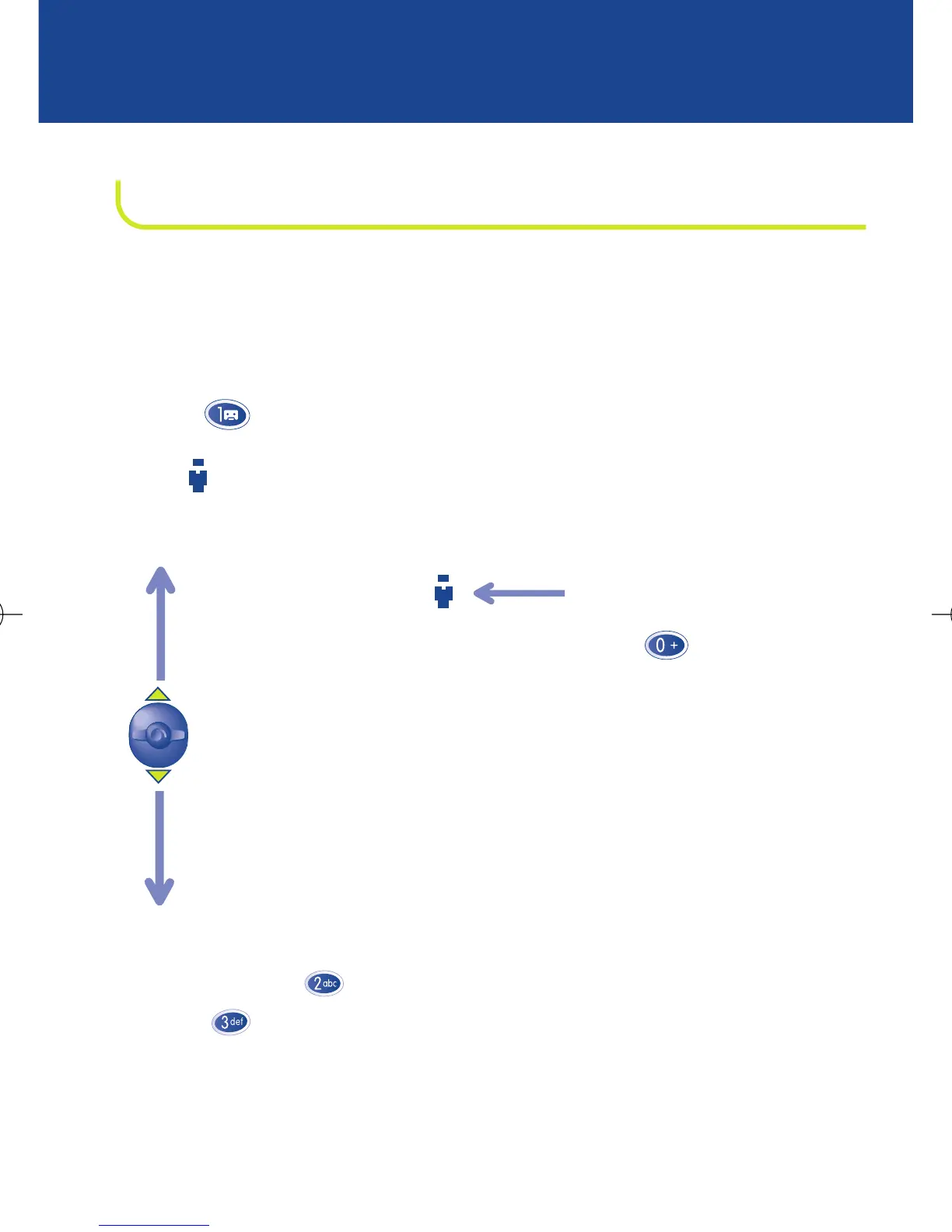
For example, if you want to place the “Clock/Appointment” option
before the “Audio” option in the menu: select this option and
press (long keypress) to place it in first position.
The icon appears after the “Clock/Appointment” option.
When you access the MENU again, it now looks as follows:
The procedure is the same to demote or promote any other MENU
option: press (long keypress) to place it in 2nd position,
press (long keypress) to place it in 3rd position, etc.
To cancel repositioning,
select the option and
press (long
keypress)
Appointment
Audio
Clock
Calculator
Convert
Games
Numbers
Services
Set up



 To Next Page