18
4.3 - OPTIONS
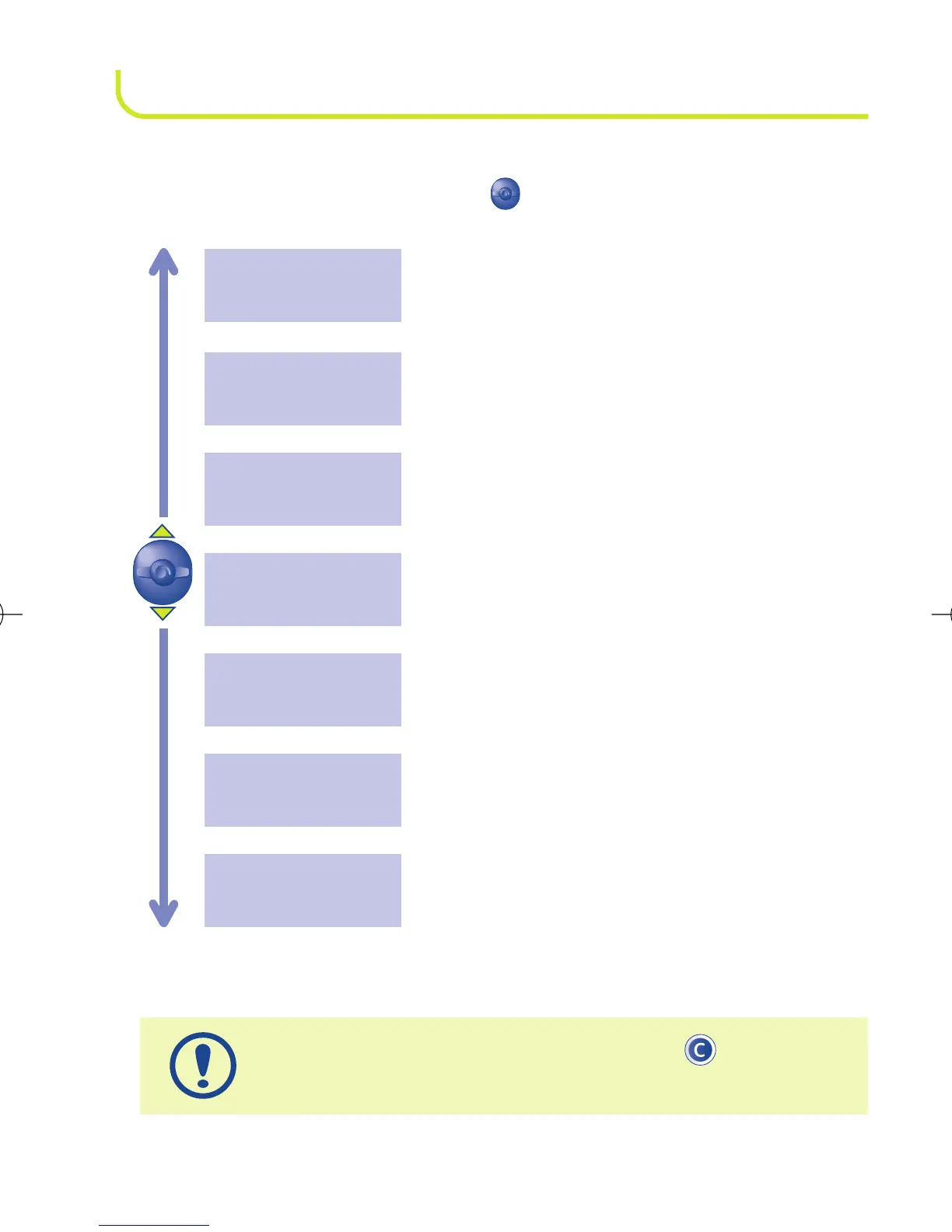
From the list of names in your directory, you can access the
following options by using the key:
To return to the standby screen, press the key (long
keypress).
Return to the names list in the directory.
Exit
Delete the selected file (name and phone number).
Delete
Modify the number of the selected file.
File Number
Modify the selected name.
Modify name
Modify the phone number corresponding to the
selected name.
Modiy number
Display a complete file: name and number.
See number
Create a file (name and telephone number) which
will be stored in your SIM card (SIM card capacity
depends on your operator).
Create



 To Next Page