29
SHORT MESSAGES
7
The cursor shape depends on the selected entry mode:
• predictive mode
• normal mode
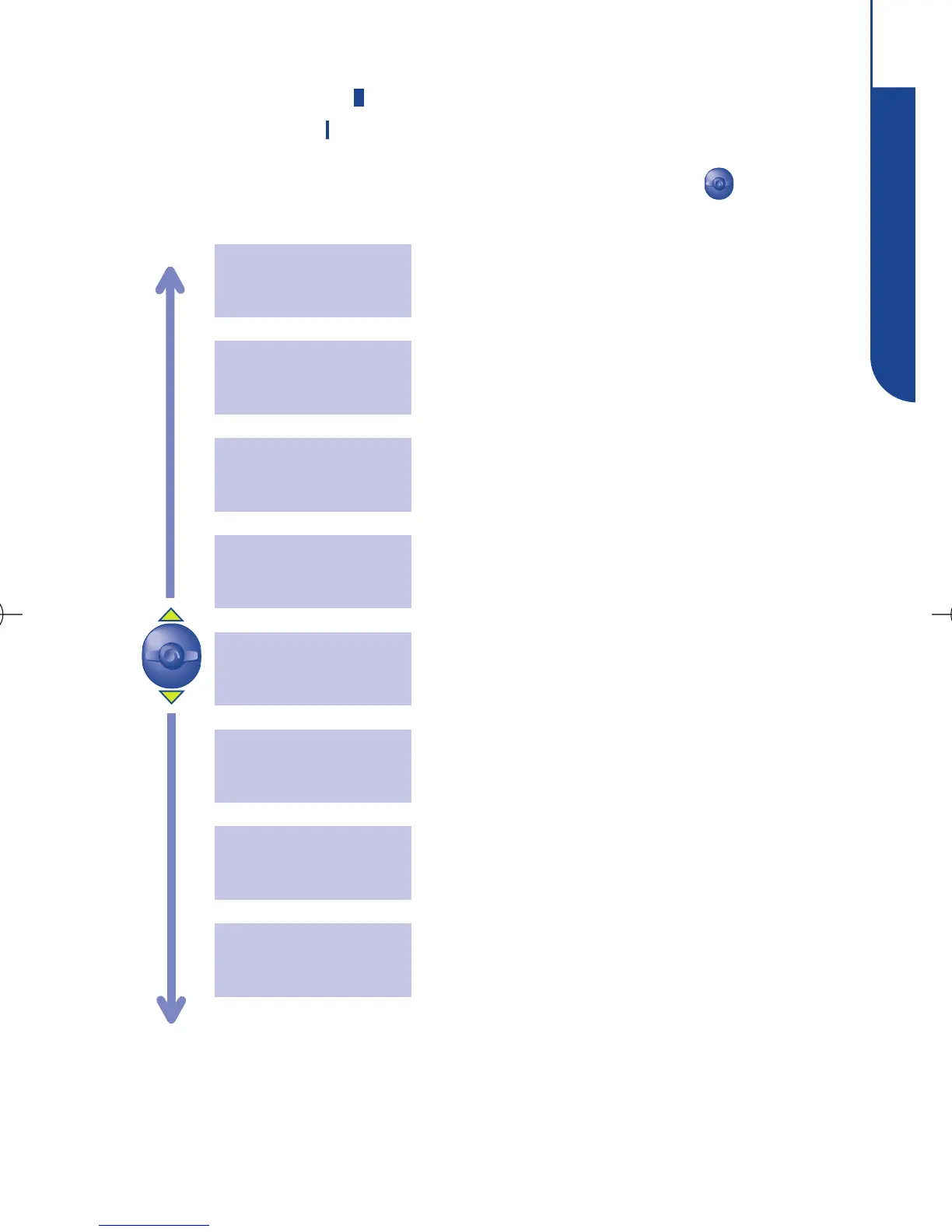
While composing the message, you can use the key to
access the following options:
Return to message which is being written.
Exit
Store a new word in your dictionary.
Add word
Choose the data entry mode: predictive or
normal (see page 32 “Character set”).
Predictive
or normal
Insert a punctuation mark or a symbol in the
text.
Punctuation
Insert figures in the text.
Insert digits
Access the list of other suggested words.
Other words
Send the message.
Send the
Msg.
Select the current word or letter being
entered.
Validate word



 To Next Page