13.4 - NUMBERS
If no numbers are stored:
(1) Contact your operator, if necessary, before first use.
(2) If you make a mistake, you can erase a character by pressing
the key (short keypress).
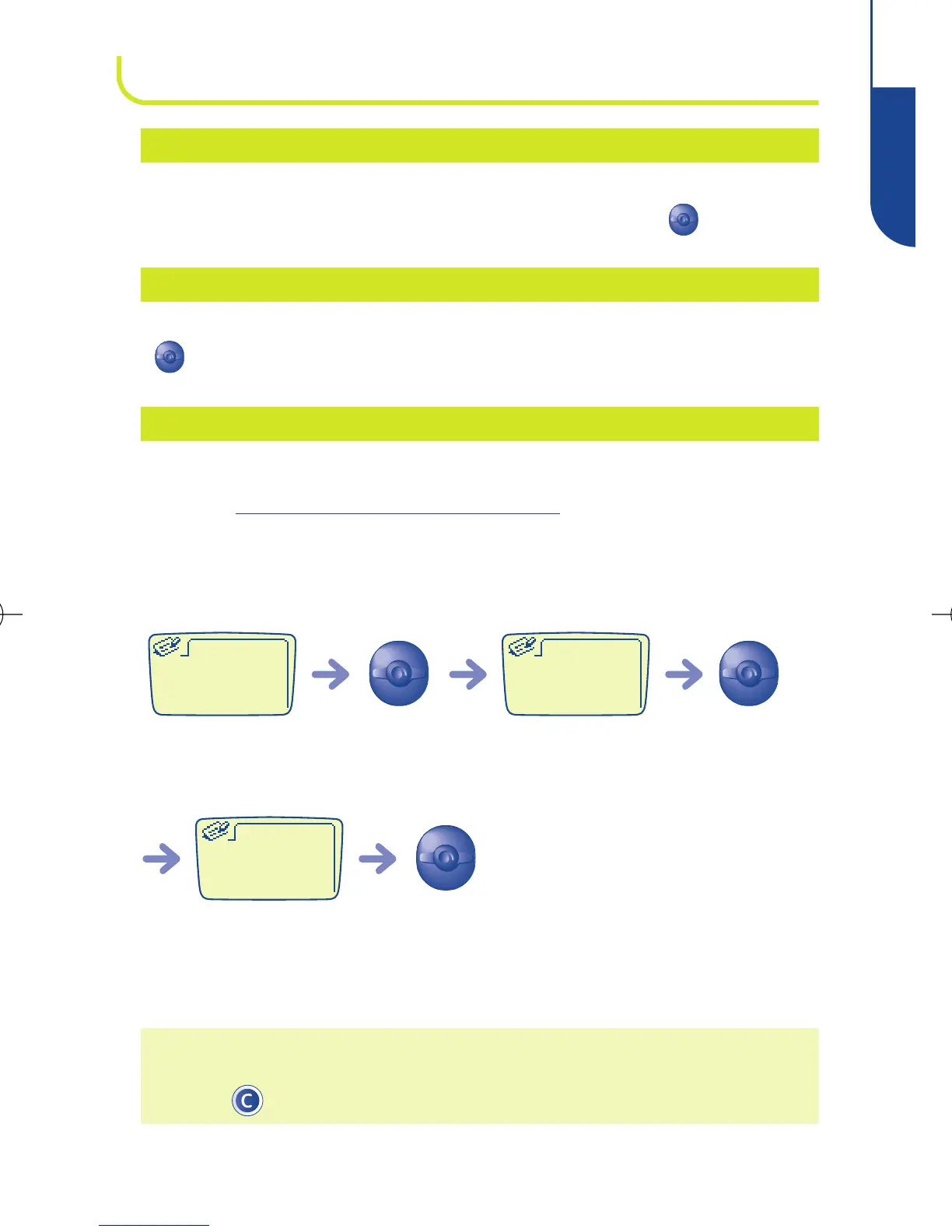
Confirm
Enter the name (2)
Create
Enter the key
name:
ConfirmEnter the
number (2)
Confirm
Enter the
key No.
Create
Enter the key
number:
Direct dial numbers: these numbers, once entered, can be
dialled from the standby screen only by a long keypress on
keys “2” to “9”.
KEYPAD
Voice mail number (enter the number - confirm by pressing
).
VOICEMAIL
(1)
Display your telephone number, usually stored in the SIM
card (enter the number - confirm by pressing ).
YOUR NUMBER
45
MENU
13
BE4 ANGLAIS OK (msg OK) 24/07/00 14:27 Page 45



 To Next Page