User manual
3
Introduction
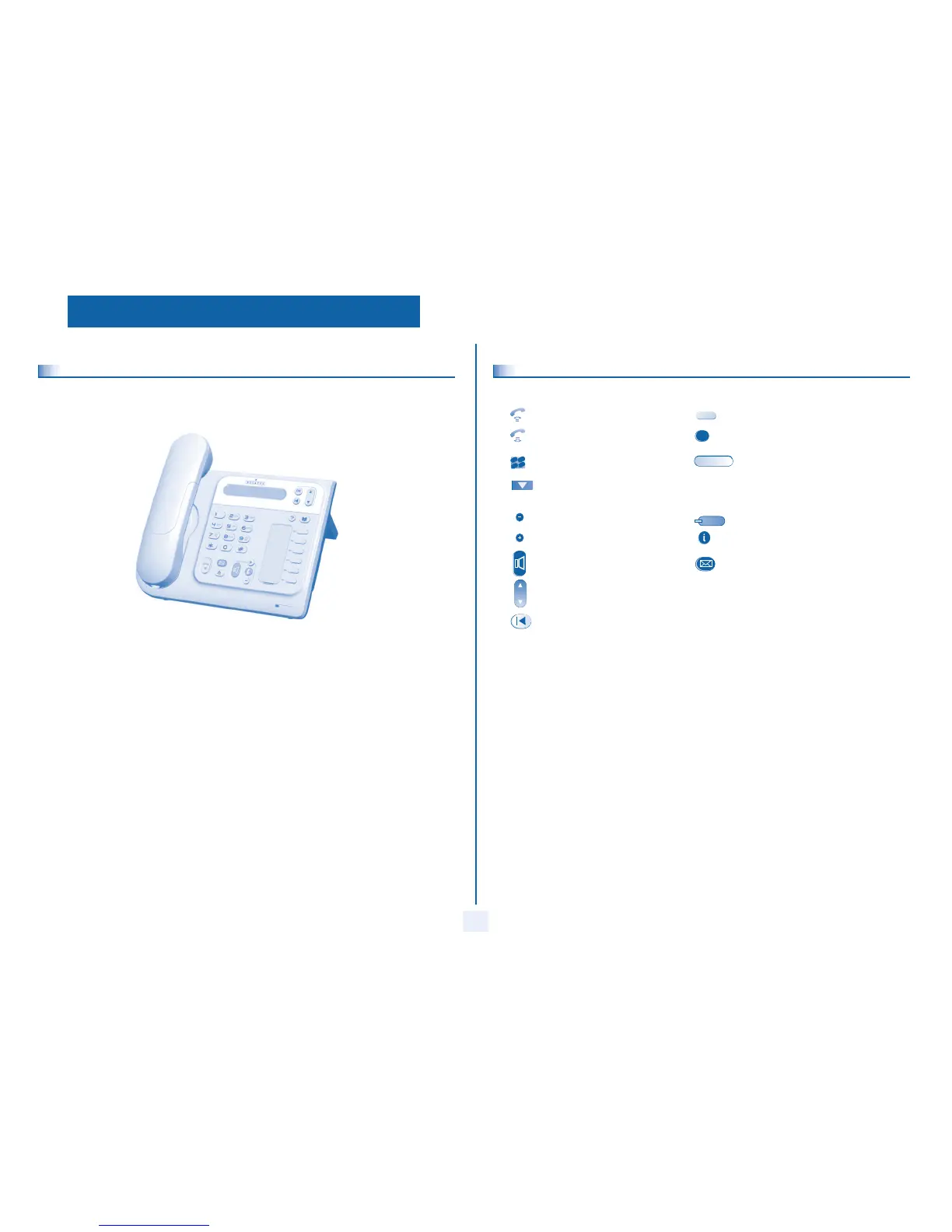
Thank you for choosing a telephone from the 4008/4018/4019 range manufactured by Alcatel.
Your terminal has a new ergonomic layout for more effective communication.
How to use this guide
These symbols can be supplemented by small icons or text.
Lift the receiver. Line key.
Hang up. Specific key on numeric keypad.
Numeric keypad. Partial view of display.
Means that the function is subject to programming. If necessary, contact your installer.
Adjustment “reduce”. Fixed key.
Adjustment “increase”. MENU key.
Loudspeaker,
hands free.
Voice mail access key.
Move the navigation key up or down.
To go back one level (press and release) or to return to the welcome page (press and hold) ;
during a conversation, can be used to access the different pages (Menu, Perso, etc.) and to return
to the telephone screens.
2
2
6
5
3
a
b
c
def
jkl
m
n
o



 To Next Page