Using your telephone
1
7
Other
1.1
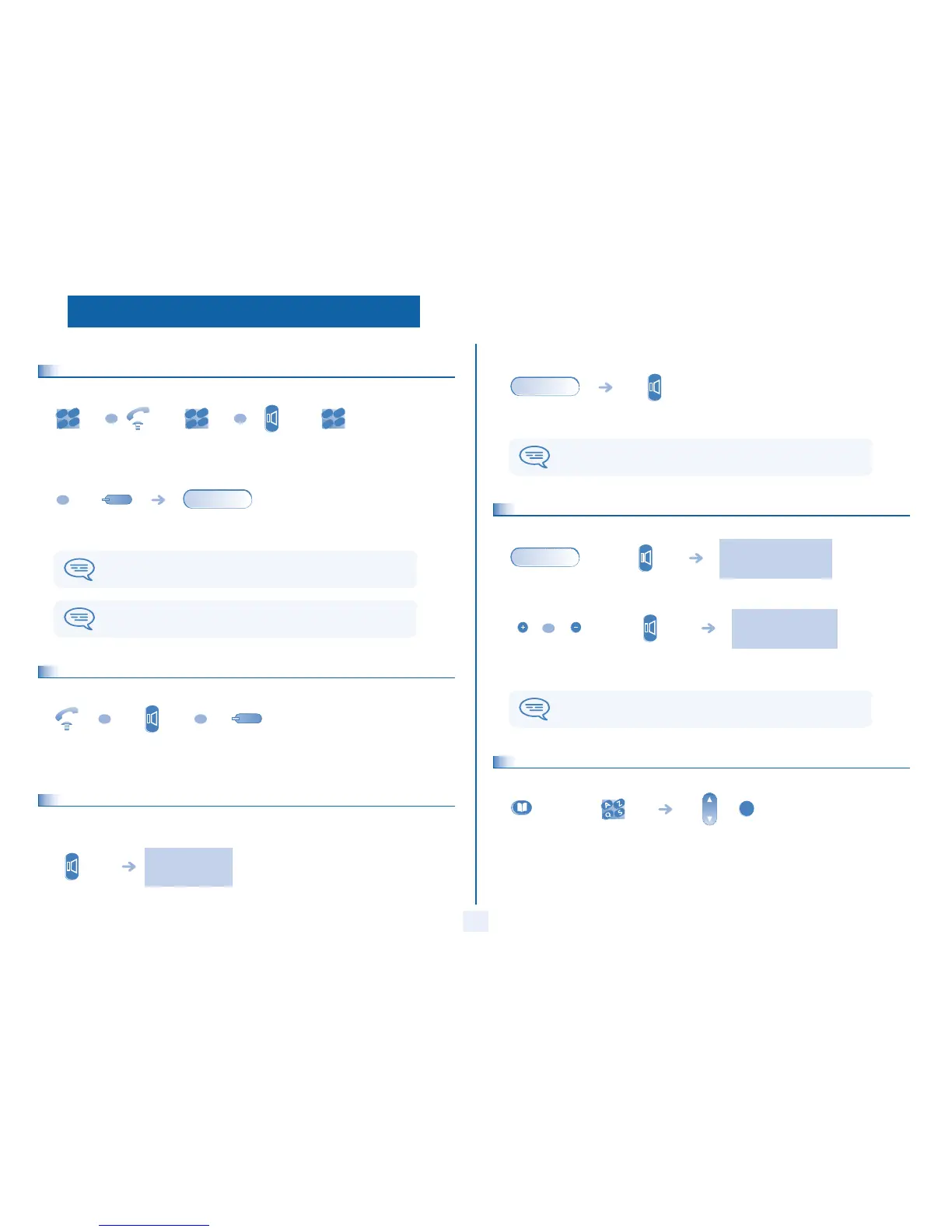
Making a call
1.2
Receiving a call
1.3
Using the telephone in 'Hands free' mode (Alcatel 4008/4018 only)
Terminal idle:
dial directly
the number
for your call
lift the
receiver
number
required
hands free
(alcatel 4008/
4018 only)
number
required
programmed line
key
during a conversation
To make an external call, dial the outside line access code before dialling your
correspondent's number. 9 is the default code for an outside line.
For the operator, dial '0' (by default).
2
6
5
3
ab c
def
jkl
m
n
OR
conv.
lift the
receiver
hands free
(alcatel 4008/
4018 only)
press the key for
the line that is lit
up
OR OR
you are in hands free
mode
press and
release
Call in progress:
1.4
Activating the loudspeaker during a conversation (receiver lifted) -
Loudspeaker.
1.5
Calling your correspondent by name (company directory)
You enter your contact's name in predictive text mode. In this mode, enter each letter of the name by pressing only once on the
key with this letter.
during a
conversation
press and release
During a conversation, you can lift the receiver without terminating the call.
conv.
the loudspeaker key flashes
during a
conversation
activate loudspeaker
(long press)
The key is no longer lit
adjust volume
(9 levels)
deactivate
loudspeaker
(long press)
press and release the loudspeaker key to switch to hands free mode (light steady)
(Alcatel 4008/4018).
conv.
OR
long press or
press twice
first letters of your
correspondent’s name
select the name from
the displayed list
OK



 To Next Page