MM OO DD EE
GG AA PP
75
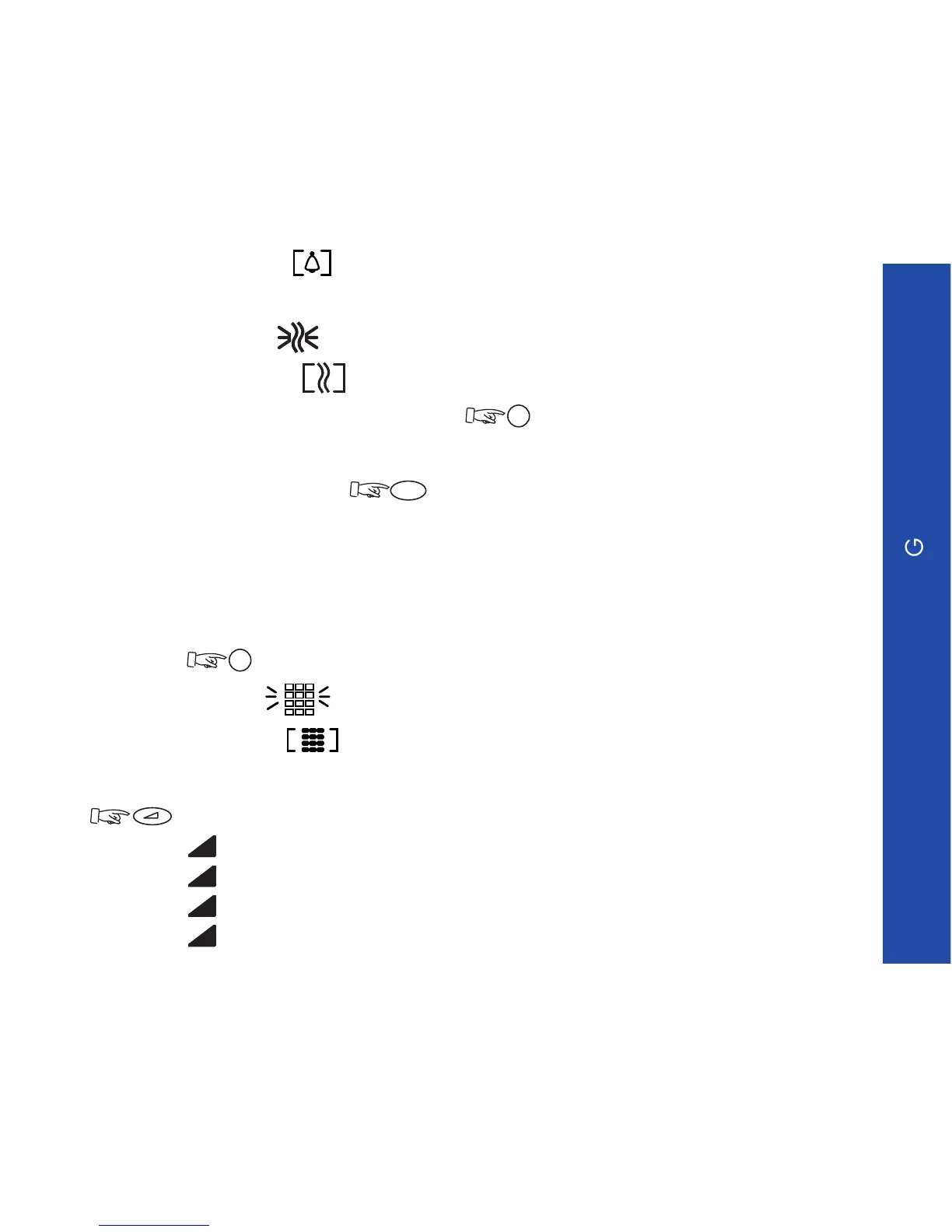
ringer deactivated
- Activate/deactivate the buzzer (terminals GI and GC)
buzzer activated
buzzer deactivated
To switch from one status to the other,
Note: When the terminal is idle or receiving a call, to switch quickly from ringer to
buzzer mode, or vice-versa, (long press).
The active mode is indicated:
long beep: ringer active,
short buzz: buzzer active.
- Activate/deactivate beeps when keys are pressed. To switch from one status to
the other,
beep activated
beep deactivated
- Audio level (volume) by default (1 to 4). To switch from one status to the other,
, selected volume is stored and activated for each new call.
Level 1 : 1
Level 2 : 2
Level 3 : 3
Level 4 : 4



 To Next Page