17
2�3 Calling your voicemail
(1)
key to set up voicemail or
• Pre
ss and hold the
review voicemail messages.
• Follow the prompts to set up your voicemail account or
once set up, to listen to voicemail messages.
3 Contacts��������������������������������
3�1 Consult your Contacts
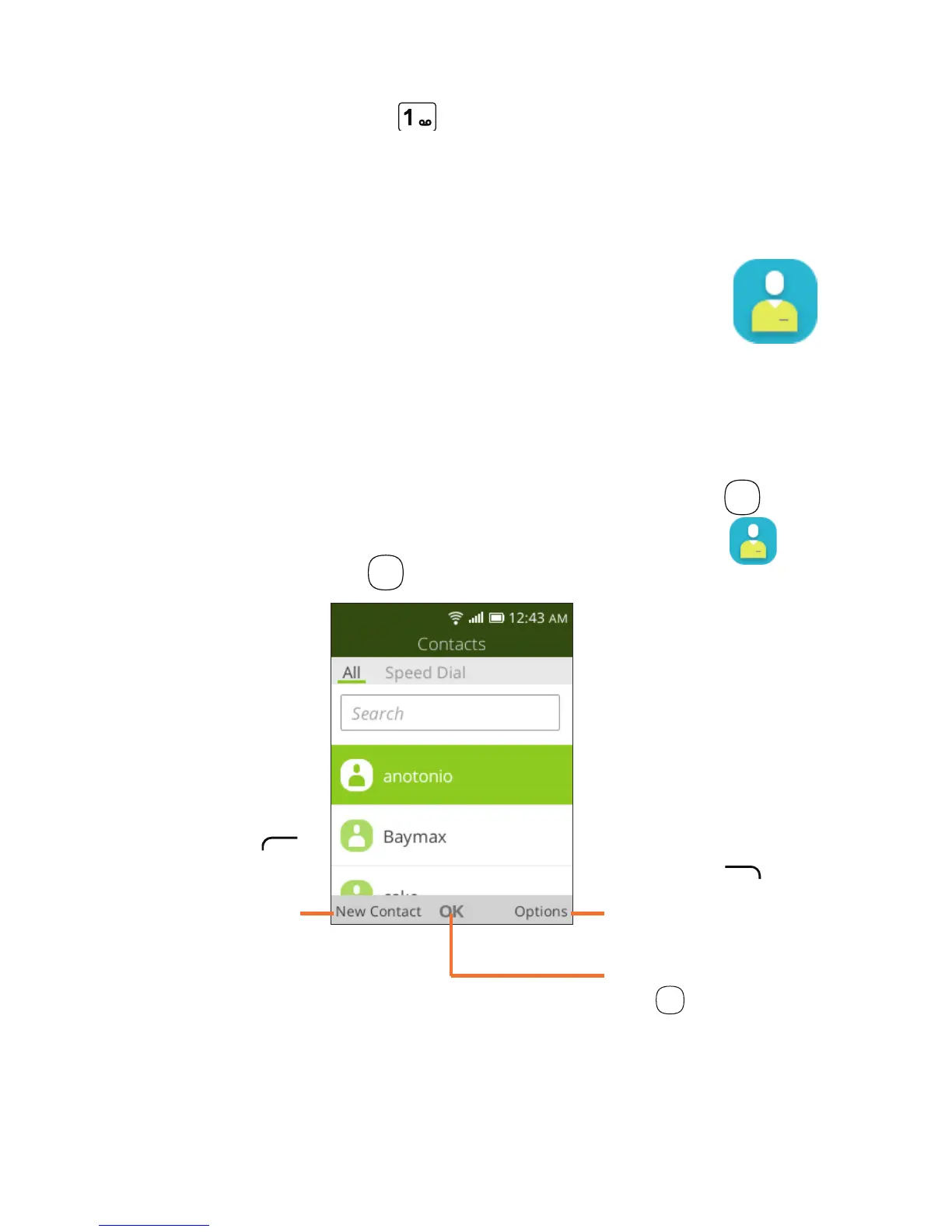
Contacts app provides quick and easy access to your stored
contacts.
You can access this app by pressing the OK key
OK
from
and
the
Home screen, then selecting the Contacts app
pressing the OK key
OK
.
Press the Right
Menu key
to access more
contact options.
Press the Left
Menu key
in the contact
list to create a
new contact.
Press the OK
key
OK
to view a
contact's details.
(1)
Contact your network operator to check service availability.













 To Next Page