29
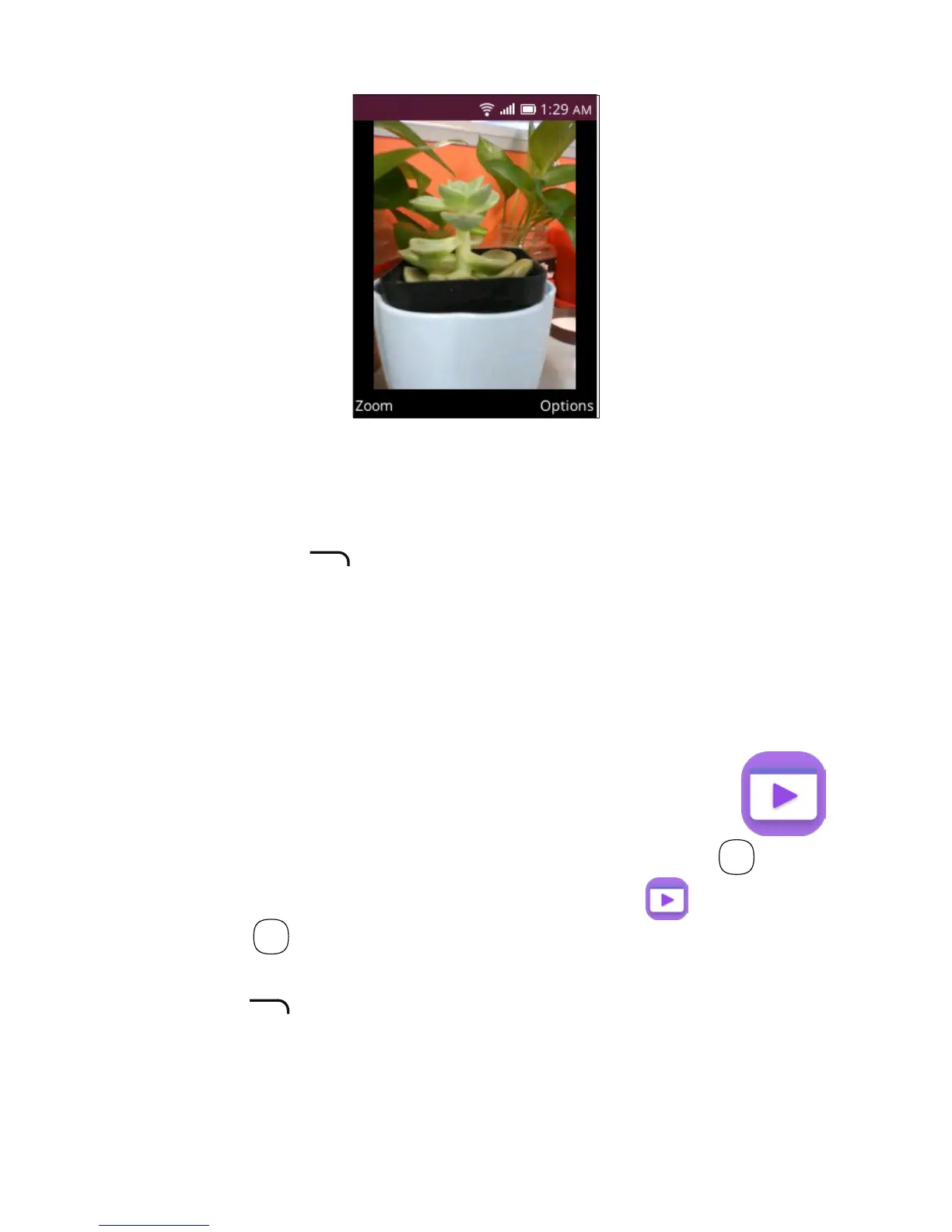
Individual photo view options
W
hen previewing an individual image in the Gallery
app, the options above are also available by pressing the
Right Menu key , with the two additional options below:
• Rotate
• Set As
Rotates the picture 90° clockwise.
Sets selected image
as wallpaper or
existing contact image.
8 Video���������������������������������������
To access the Video app, press the OK key
OK
from
the Home screen, select the Video app and press
the OK key
OK
.
To view video options, select a video, press the Right
Menu key and select from Share, File Info, Delete and
Select Multiple videos.













 To Next Page