31
11 Calendar�������������������������������
Use the Calendar app, to keep track of important meetings,
appointments, etc.
To access
the Calendar app, press the OK key
OK
from the
Home screen, select the Calendar app and press the OK
key
OK
.
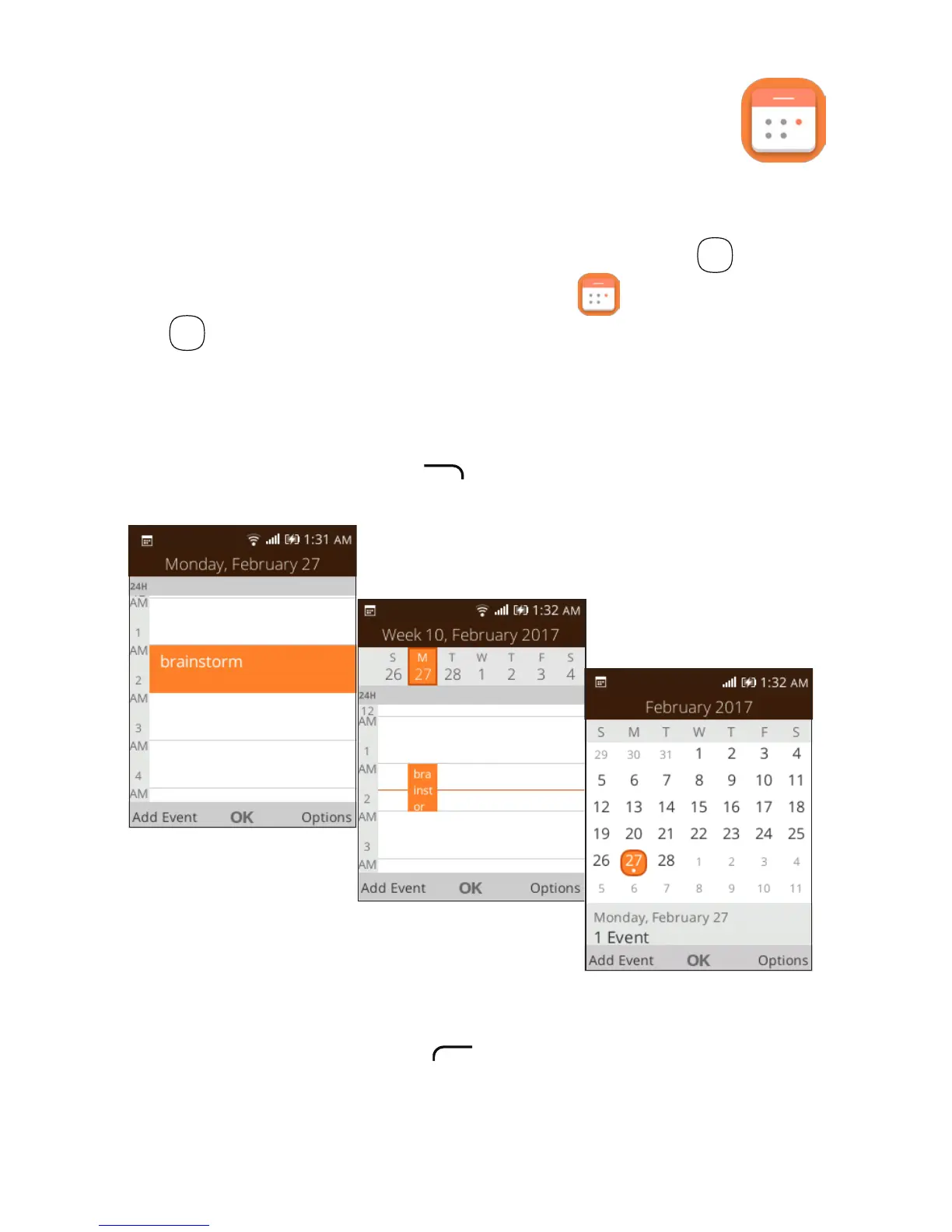
11�1 Multimode view
You can display the Calendar in Day, Weekly, or Month view.
Press the Right Menu key to change your Calendar view.
Day view
Weekly view
Month view
11�2 To create new events
Press the Left Menu key to add new events from any
Calendar view.













 To Next Page